Materials 31
3
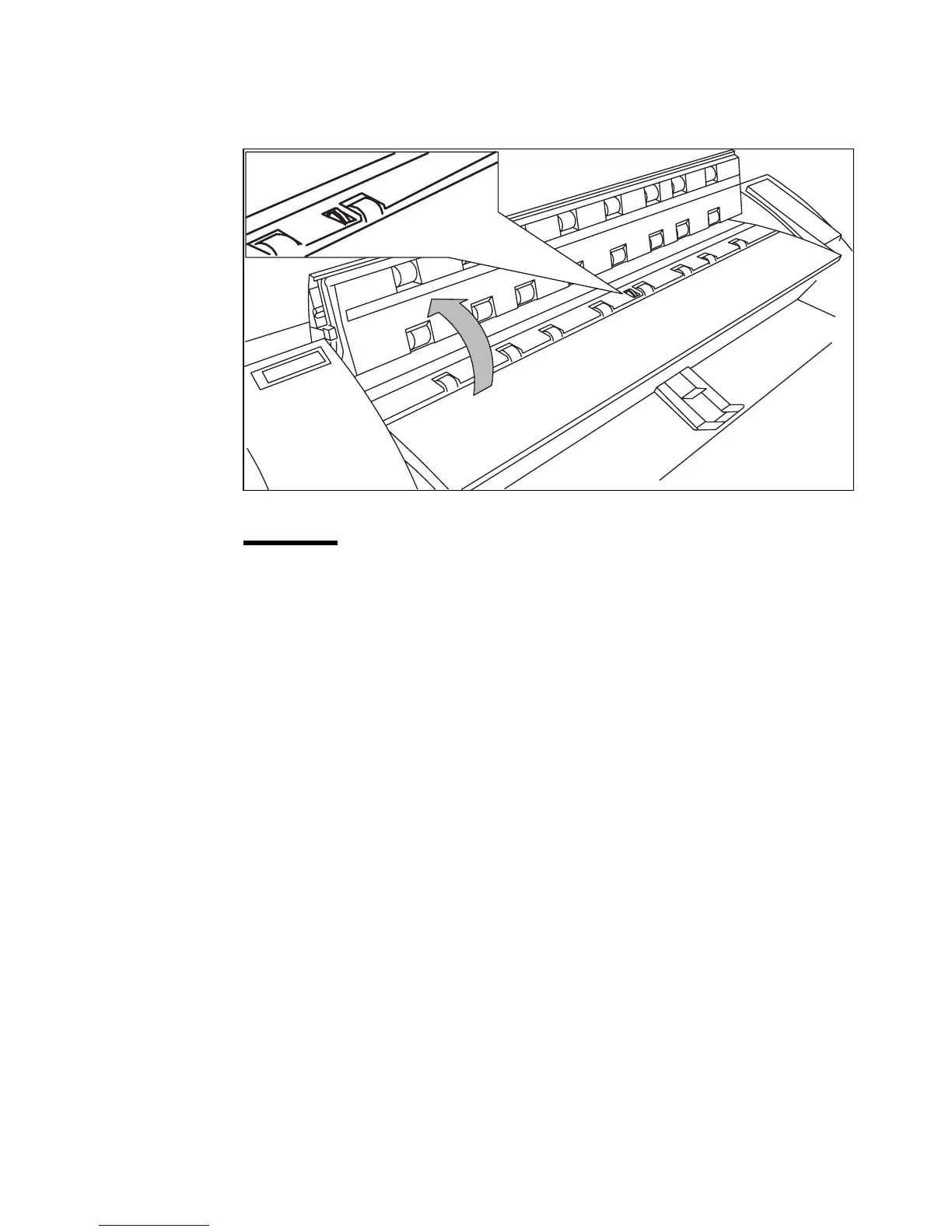
Clean the transparent platen and the white pressure platen with a soft cloth
moistened with a small quantity “Cleaner A”.
For safety information see the safety data sheet in Appendix B.
[22] Cleaning the transparent platen and the white pressure platen
Attention:
Make sure not to damage the actuator figure 22, located in the
middle of the transparent platen.
4
Close the top cover and push it back until you hear a click.
5
Switch on the copier.



 To Next Page