Copy jobs 21
2
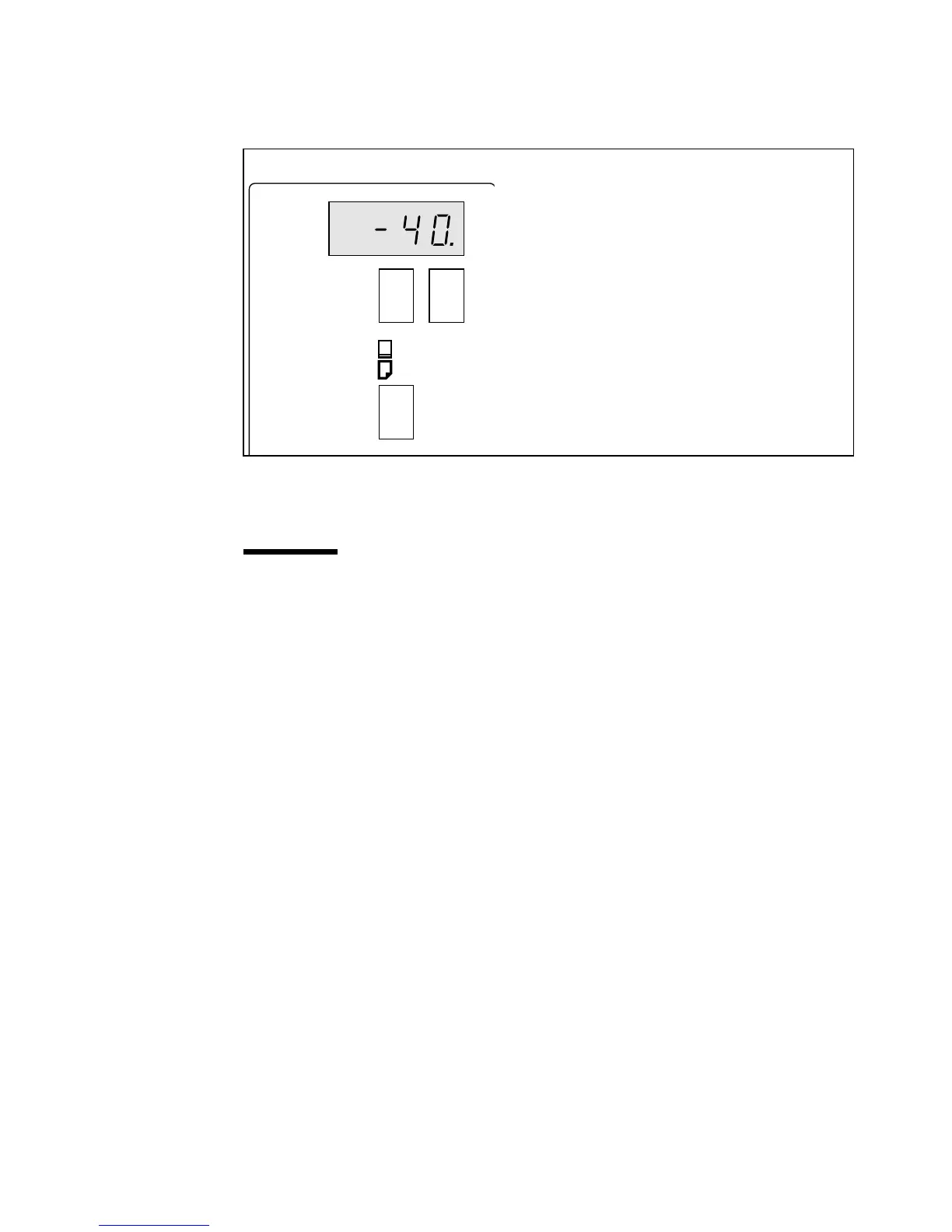
Set the desired length of the trailing edge with the trailing edge buttons, for
example -40 (see figure 12).
Note:
The trailing edge can vary +40 to -100 mm in steps of 5 mm).
[12] Trailing edge buttons
3
Press the ‘-’ button to shift the image towards the leading edge.
4
Press the ‘+’ button to shift the image towards the trailing edge.
Attention:
Be aware that when shifting the image too much, this may result
in the loss of information at the edge that the image was shifted to. In this
situation longer copy material is necessary.
Océ 7051
+-
trailing edge
original length



 To Next Page