27
Installing the Printhead
Attention: When you are handling the printhead, always hold it by the grips (a)
on the left and right sides.
Attention: Do not touch the nozzles (e) or the electrical contacts (f) under any
circumstances. Doing so may damage the printhead or cause printing problems.
Attention: Never try to re-attach the protective caps or packing material that you
removed from the printhead.Dispose of these parts in accordance with local
garbage disposal regulations.
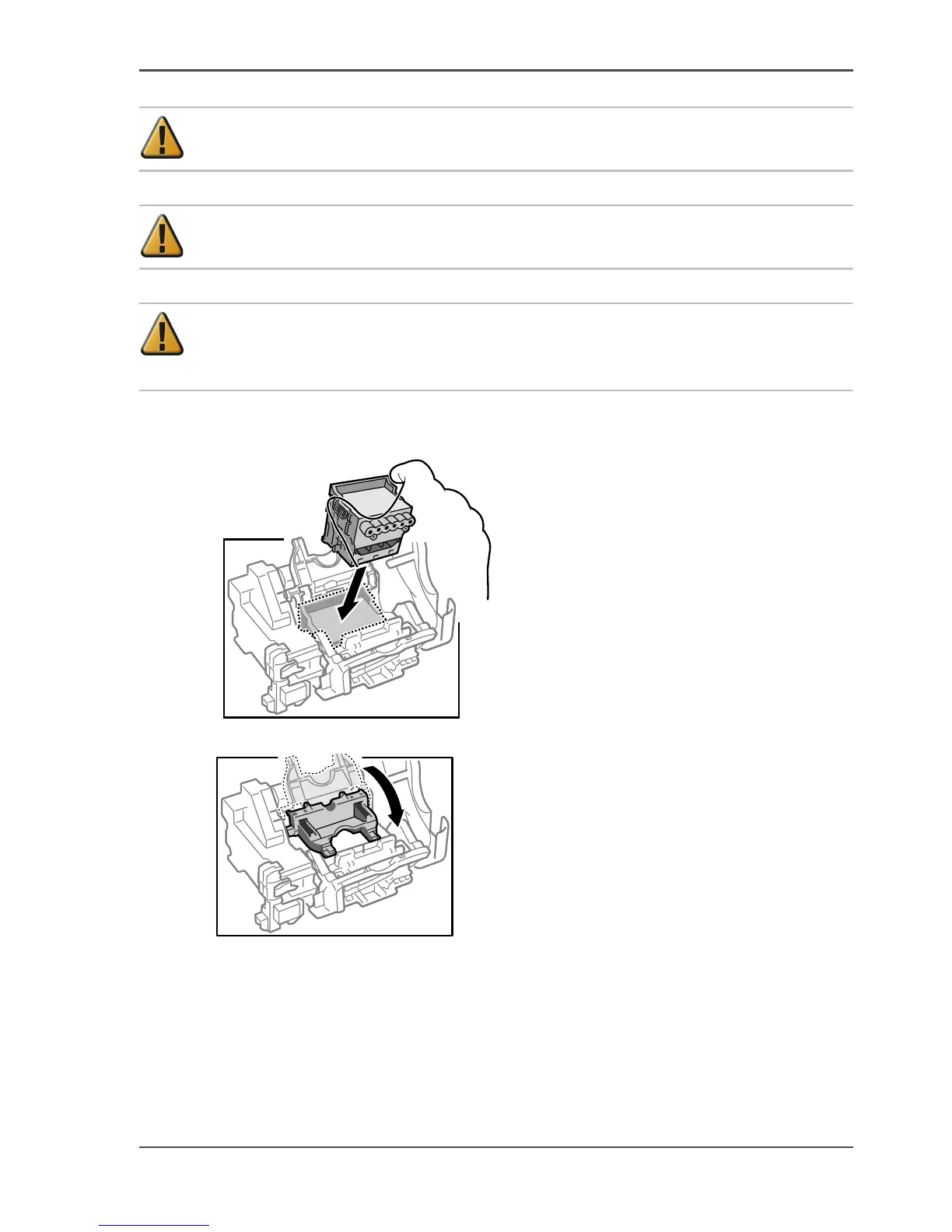
7. Insert the printhead into the carriage with the nozzles facing down and the electrical
contacts facing the printer.
[70]
8. Pull the printhead fixer cover toward you and down to lock the printhead in place.
[71]



 To Next Page