40 Chapter 1 Read this first
Adjusting the Print Status
Media Feed Adjustment
Attention: Before you adjust the amount of media feed, you need to configure
the media type setting using the operation panel to match the media loaded in the
printer. If the media type selection does not match the media loaded in the printer,
you will not achieve the correct print results and the printing quality will be
reduced.
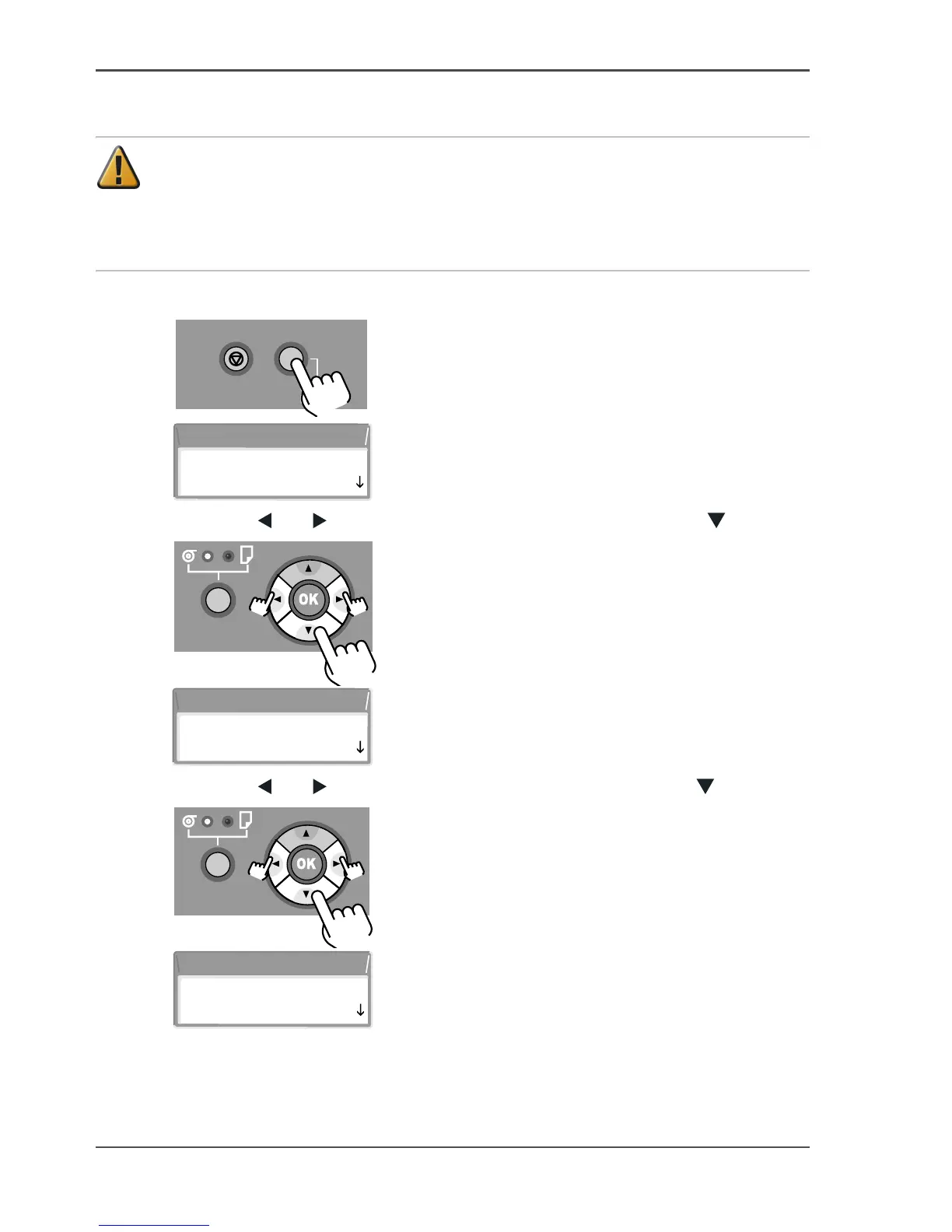
24. Press the Online button to display MAIN MENU on the printer display.
[106]
[107]
25. Press the [ ] or [ ] buttons to select Adjust Printer then press the [ ] button.
[108]
[109]
26. Press the [ ] or [ ] buttons to select Adjust Band, then press the [ ] button.
[110]
[111]
Stop/Eject Online
Offline
Menu
MAIN MENU
Head Cleaning
MAIN MENU
Adjust Printer
Adjust Printer
Adjust Band



 To Next Page