44 Chapter 1 Read this first
Installing for Windows
Installing the Printer Driver
Attention: If you are using Windows Server 2003, Windows XP, Windows
2000, or Windows NT 4.0, you must log in as a member of the Administrator
group.
Attention: If you are using Windows NT 4.0, open Network from the Control
Panel in the Start menu and confirm that Microsoft TCP/IP Printing is
installed and on the list on the Service sheet.
33. Connecting the Printer to a Network for the First Time
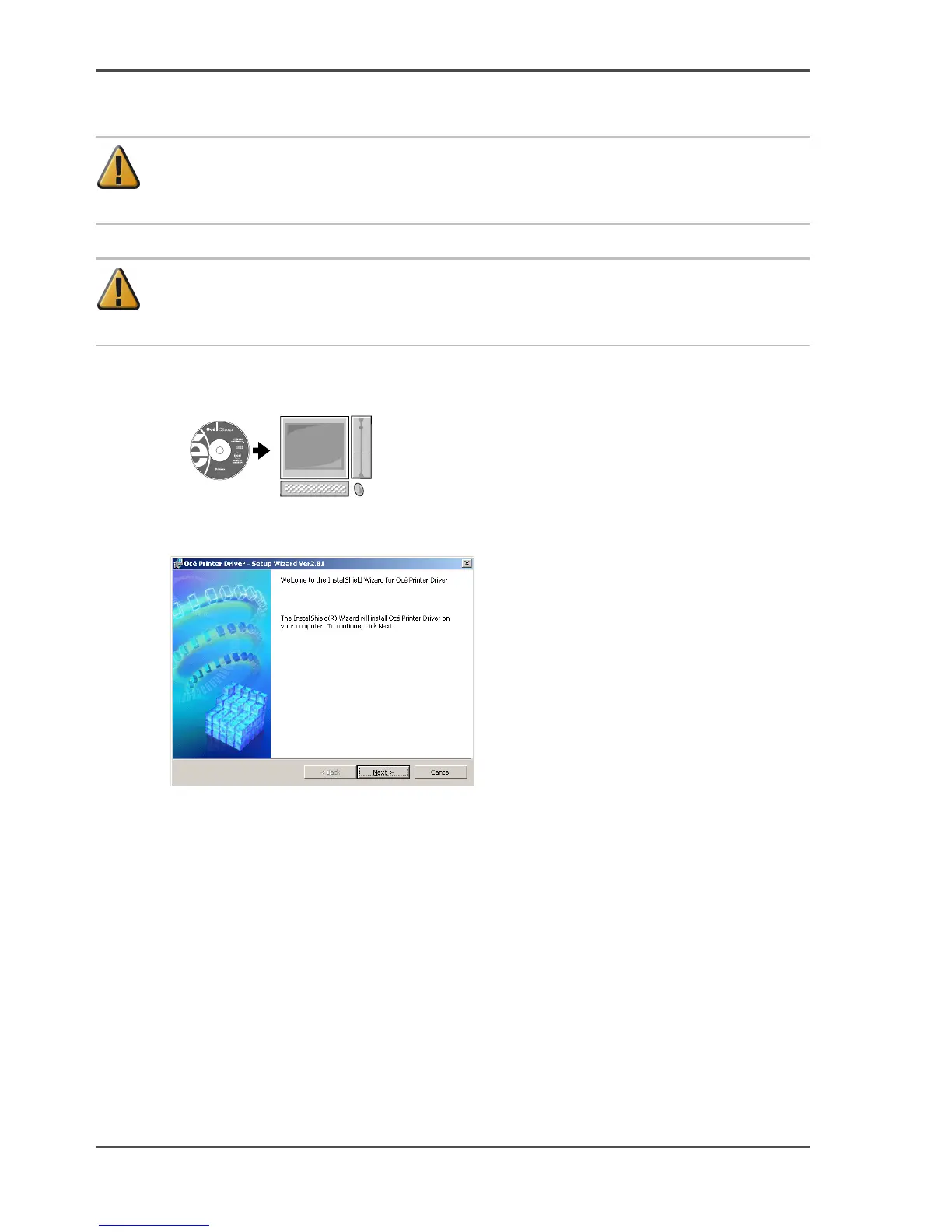
Mount the provided User Software CD-ROM in the computer CD-ROM drive.
[121]
34. Start the wizard. Double-click setup.exe which you can find on the Océ CS2044
CD-rom.
[122]
35. Follow the procedure to complete the installation.



 To Next Page