24 Chapter 2 Installation and use of Onyx CADPro or Onyx GraphicsPro (Optional)
The Installation of Onyx CADPro or Onyx GraphicsPro
The Installation of Onyx CADPro or Onyx GraphicsPro
Introduction
This document describes the installation of Onyx CADPro software. The installation
of Onyx GraphicsPro is identical to the installation of Onyx CADPro.
Installation procedure: Dongle
1. Insert the USB Dongle (Hardlock) in the USB slot of the PC.
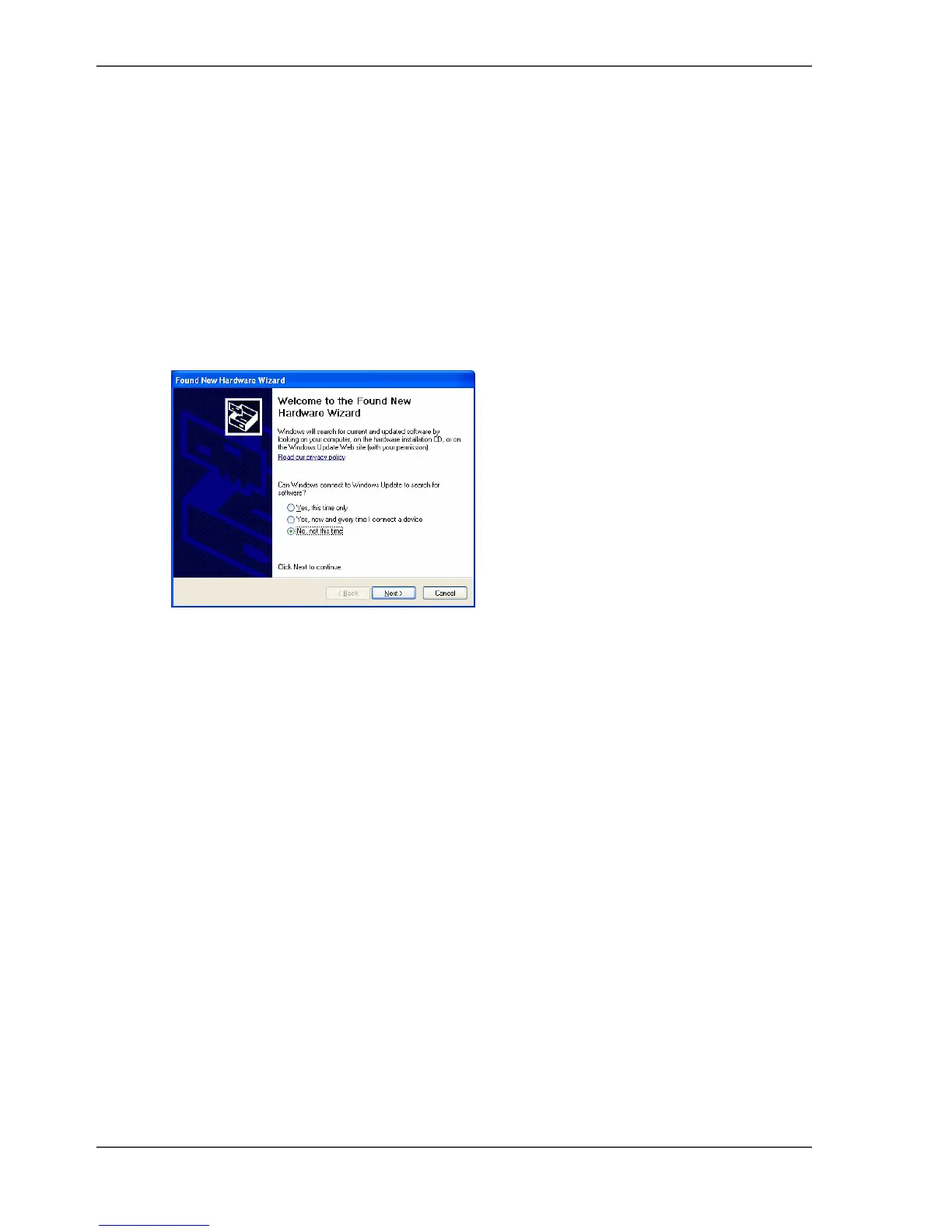
2. The Found New Hardware Wizard is started.
Select the "No" option and click on "Cancel".
[32]
Installation procedure: Software program
1. Insert the DVD into the PC.
2. Wait for the automatic launch of the DVD
or
Open the Explorer
Browse to the DVD
Double-Click on "install.exe" file.
3. The software installation of the dongle is started.



 To Next Page