59
The configuration of Océ Copy Easy
The configuration of Océ Copy Easy
Introduction
This document describes the configuration of Océ Copy Easy.
How to configure Océ Copy Easy
1. Start the Océ Copy Easy application.
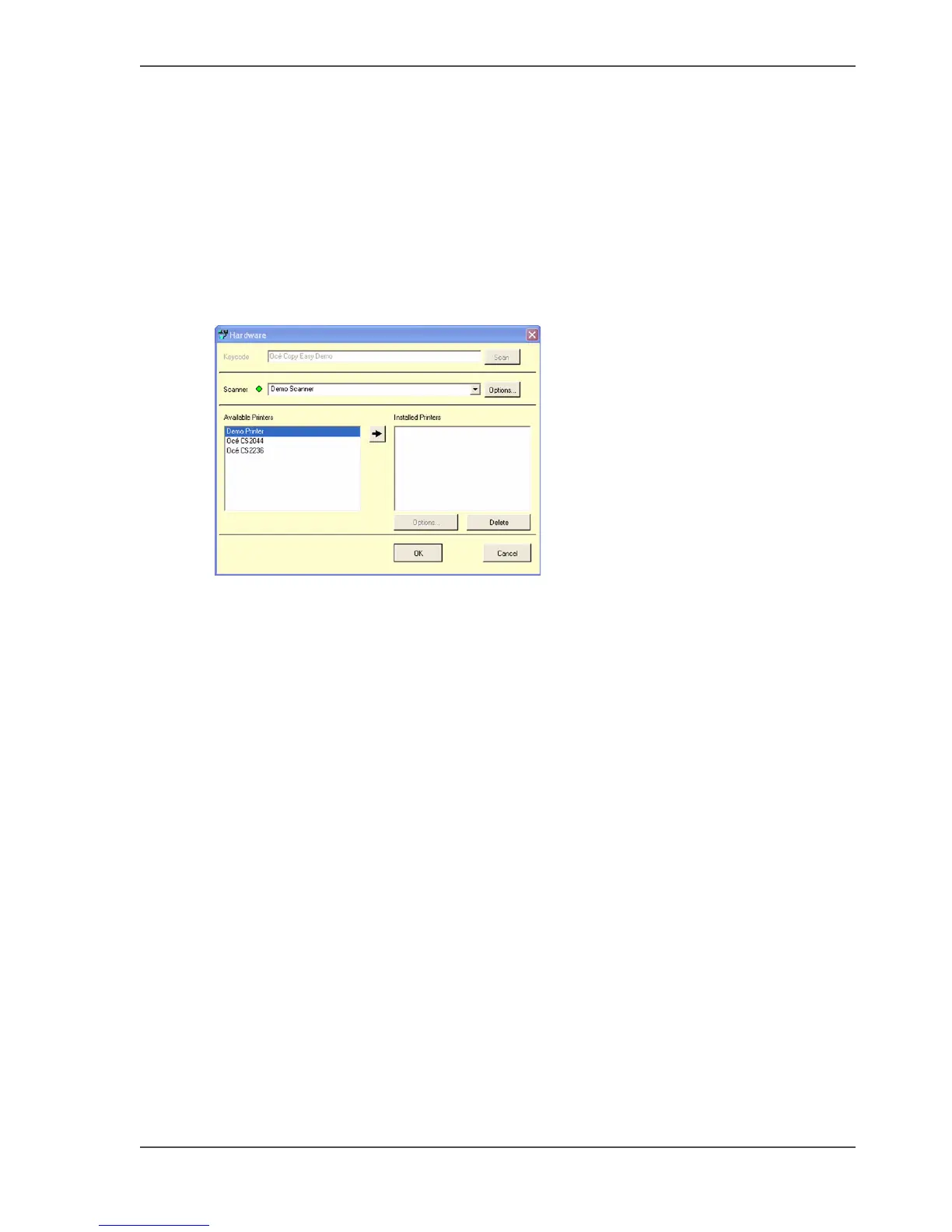
The Océ Copy Easy window and a Hardware window appears.
[91]
2. Select at the Scanner window the connected scanner.
Example: Océ CS4142.
3. Double-Click in the available Printers window, the printer you want to install.
Example: Océ CS2236
4. A printer configuration window will pop-up.
Enter the printer connection information according to your set-up.



 To Next Page