35
The use of Onyx GraphicsPro
The use of Onyx GraphicsPro
Introduction
This document describes the use of Onyx GraphicsPro software.
The following options are described:
1. Use Onyx GraphicsPro and the RIP-Queue
2. Use Onyx GraphicsPro and the "Hot folder"
3. Use Onyx GraphicsPro and Print over the network to a "Hot folder"
4. Use Onyx GraphicsPro and the virtual Postscript printer.
1. Use Onyx GraphicsPro and the RIP-Queue
1. Start GraphicsPro:
■ Double-click the CAD-Print desktop icon
or
■ Browse to Start > All Programs > GraphicsPro 7 > CAD-Print
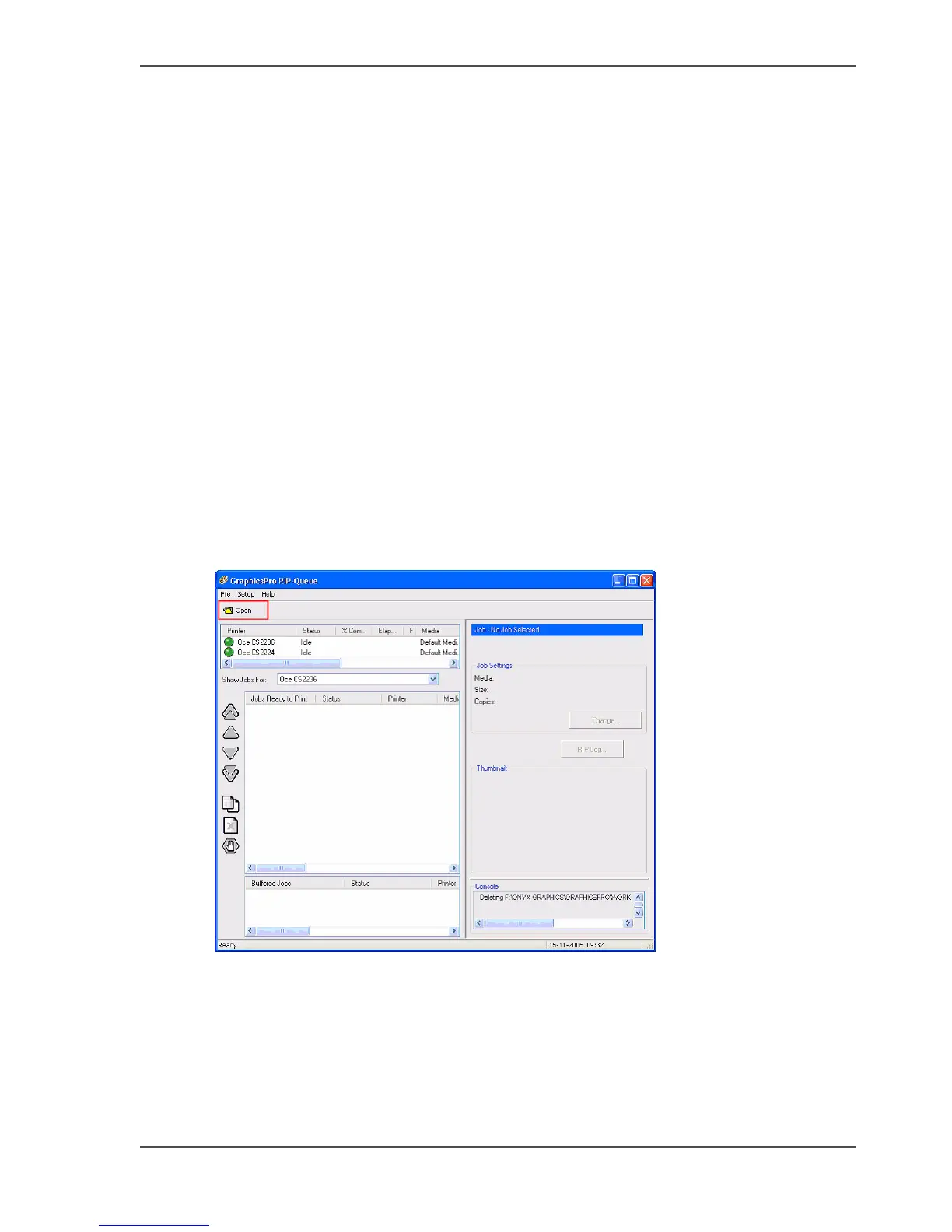
2. Click on the "Open" button.
[59]
3. Do
■ A: Select the Printer
■ B: Select the Quick Set (predefined settings applied to files for specific workflow
or media)
■ C: Select the file(s) to print
Click on "Open" to start the processing.



 To Next Page