47
Installation of the Scanner
Installation of the Scanner
Introduction
This document describes the installation of the scanner.
Required tool
Screw driver
Caution: 2 Persons are required to lift the scanner.
Install the scanner on the stand
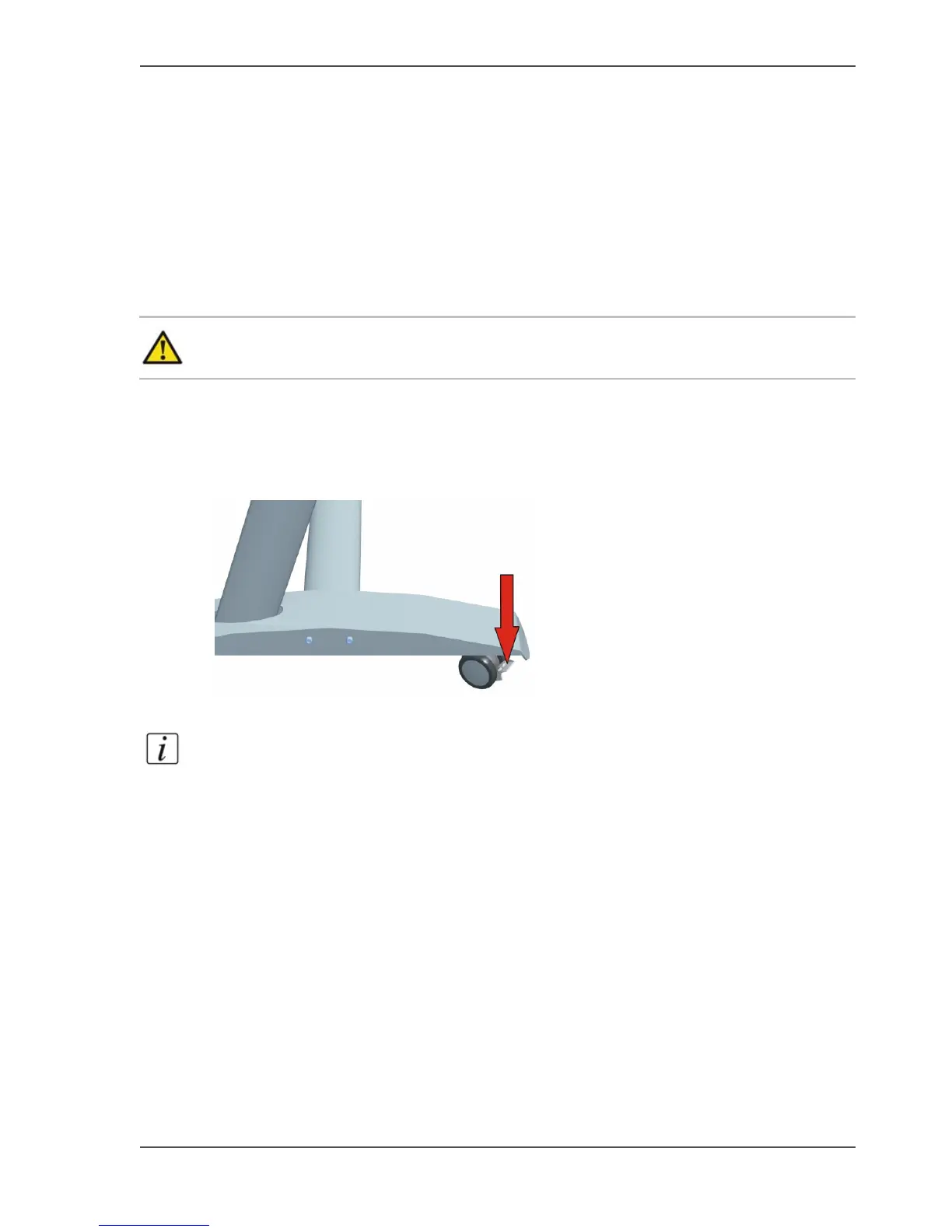
1. Lock the wheels of the stand.
[78]
2. Lift with 2 persons the scanner out of the box and position it on the stand.
Note: Place the scanner on the stand with the rear side at the "back" label of the
top bar.



 To Next Page