51
Complete the Scanner installation
Complete the Scanner installation
Finalise the Scanner installation
1. Open the Scanner accessories box.
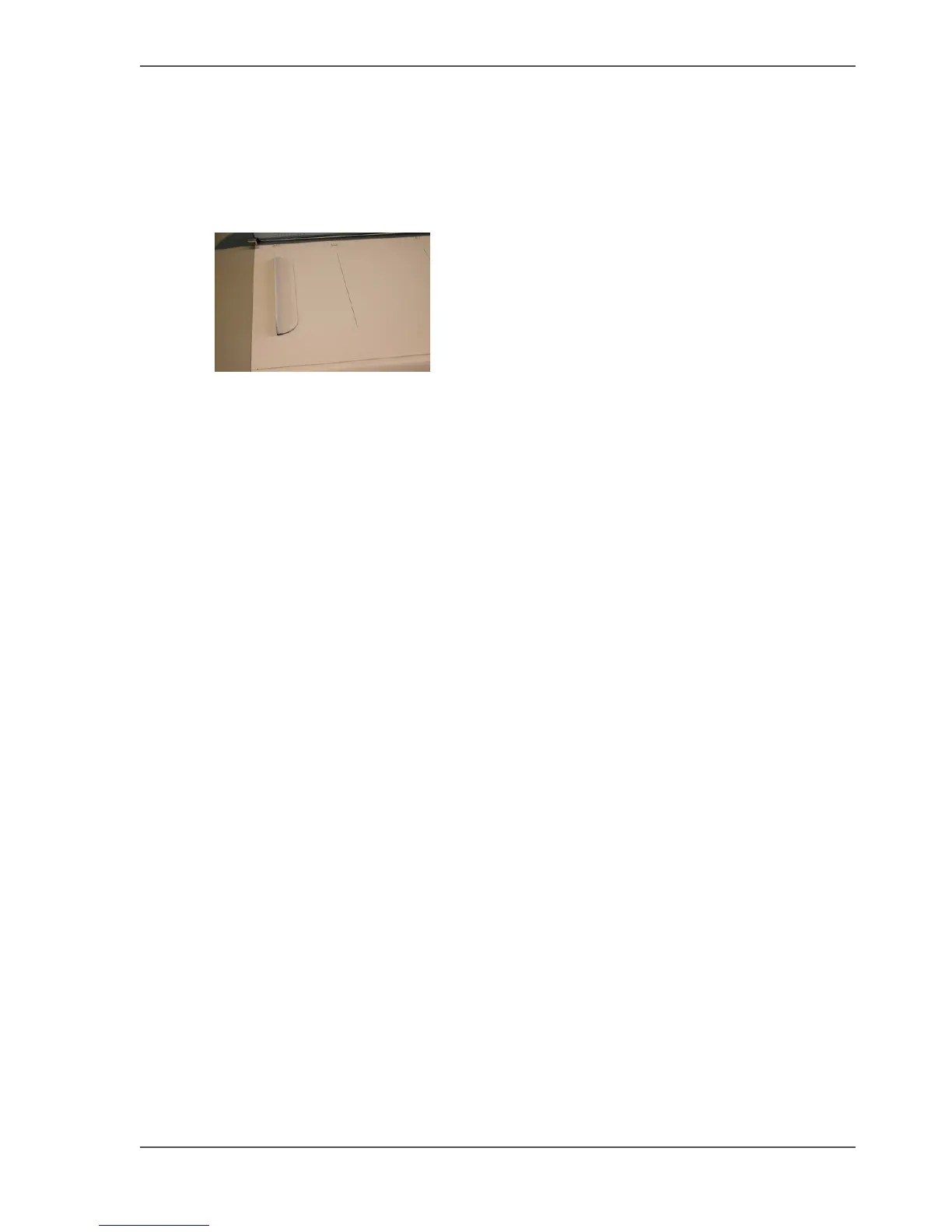
2. Place the 2 original guides on the scanner.
[85]
3. Install the "Océ Scanner Agent" software on the customer PC.
For detailed information: See Scanner Maintenance kit User Manual Chapter 2.
4. Connect the (USB or FireWire (IEEE 1394) cable) of the scanner to the customers
PC.
5. Install the "Scanner Maintenance" software.
For detailed information: See Scanner Maintenance kit User Manual Chapter 3.
6. Store the remaining items in a cabinet.



 To Next Page