Cleaning
#
RemarksAction
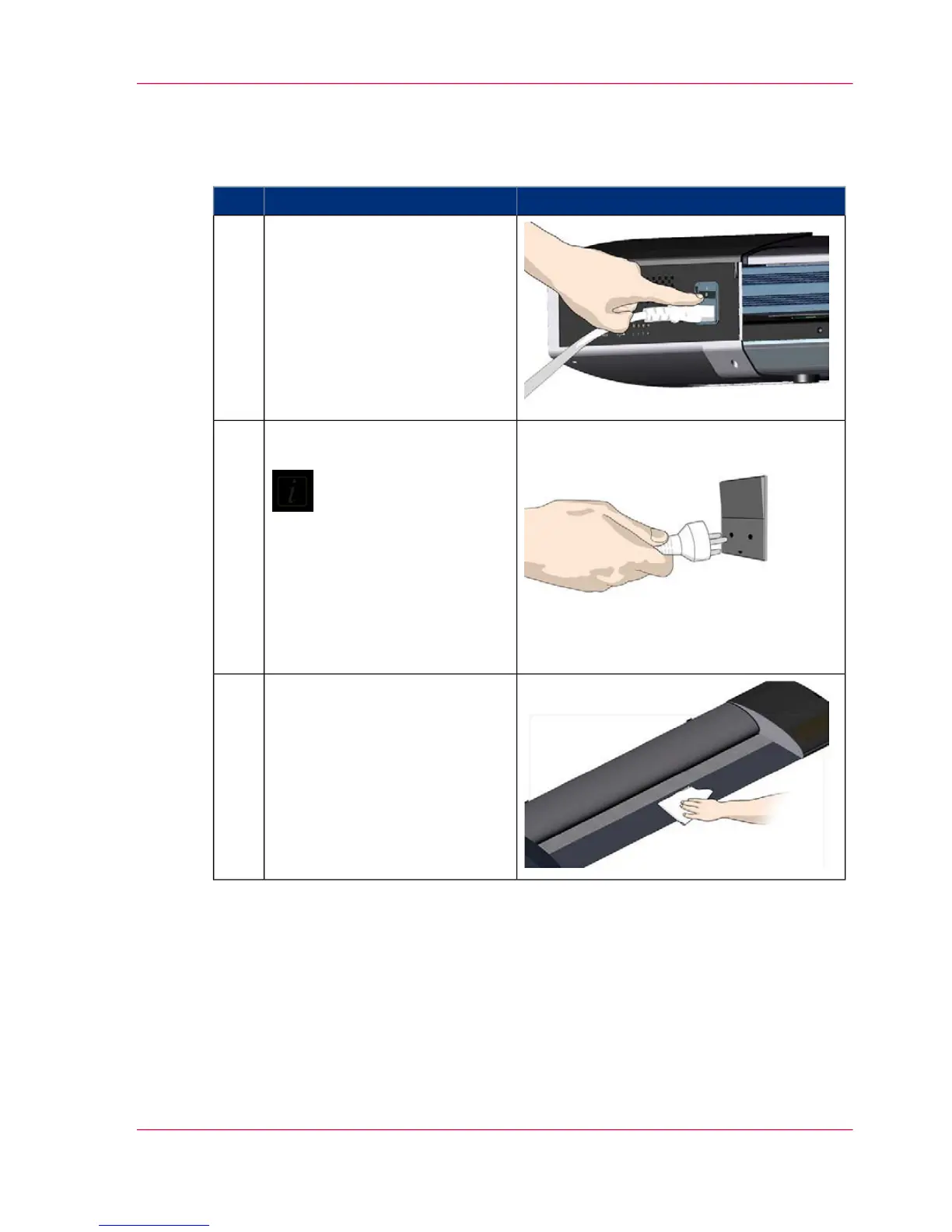
Turn the main power to OFF.
Press the main power switch at
the back of the scanner to the
OFF position ("0").
1
Disconnect the power plug.
Note:
Always disconnect pow-
er before cleaning the
scanner. This step is to
ensure your own person-
al safety and to help
protect your device from
potential damage.
2
Clean the scanner surface.
Clean your scanner's flat surface
so dirt and dust are not dragged
into the scan area with the origi-
nal.
3
Chapter 7 - Maintenance 43
Cleaning



 To Next Page