RemarksAction
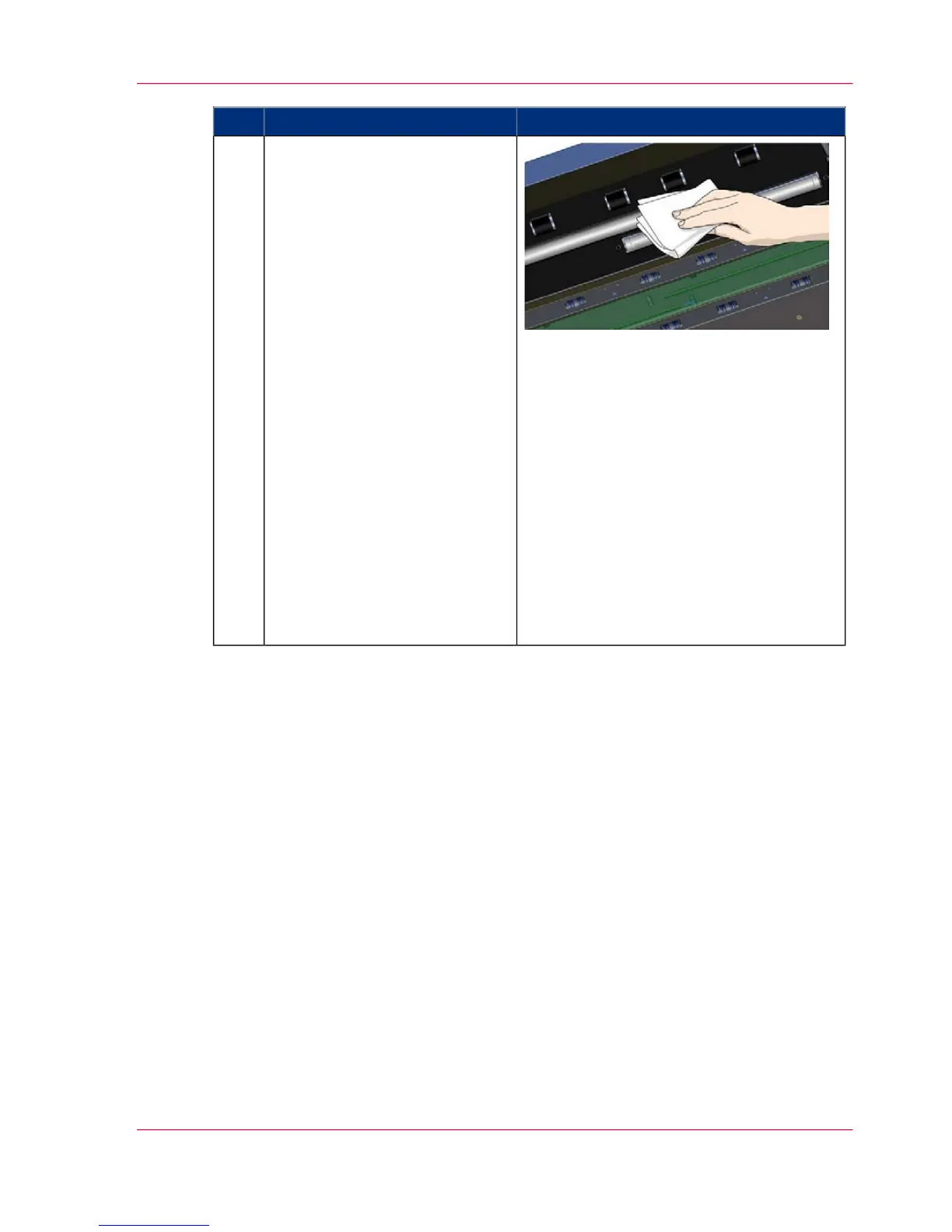
Clean the white pressure rollers.
The white pressure rollers are the
long rollers between the black
transport rollers.
They function to hold docu-
ments flat in the scanner.
1. Spray/apply a mild, streak-
free, glass cleaner onto a lint-free
cloth.
2. Gently wipe the white roller's
surface.
3. Use the cloth to turn the
rollers so you wipe all sides.
4. Dry the rollers completely us-
ing another clean, dry lint-free
cloth.
5. Make sure that you leave the
area dry.
CAUTION: Do not spray/apply
cleaner fluids directly to the
rollers or anywhere else in the
scan area.
9
Chapter 7 - Maintenance 47
Cleaning



 To Next Page