RemarksAction
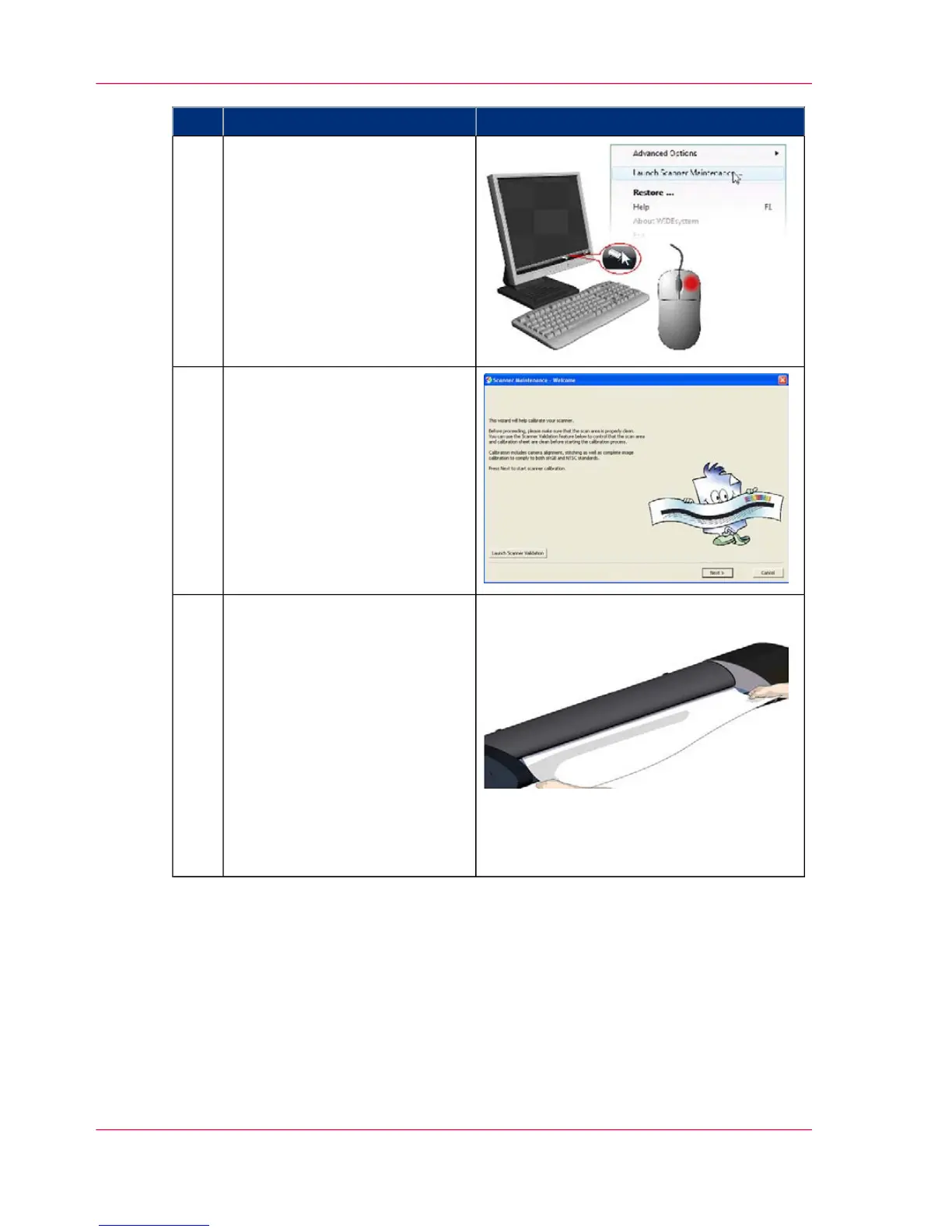
Launch the Océ Scanner Mainte-
nance program
1. On your PC - Right click on
the scanner icon.
2. Select Launch Scanner Main-
tenance to open the program’s
welcome dialog.
3
Follow the steps described by the
wizard.
The scanner maintenance wizard
will guide you through the cali-
bration steps.
Click the Next button in the
welcome dialog to proceed.
4
Insert the calibration sheet.
During the process, the wizard
will ask you to insert the Calibra-
tion Sheet that came with your
scanner. The sheet's printed side
must be inserted face up.
Align the sheet's midpoint arrow
with the scanner's midpoint ar-
row and feed the sheet into the
scanner.
Click the wizard's Next button
to continue.
5
Chapter 7 - Maintenance50
Calibration - Scanner Maintenance program



 To Next Page