Replace the glass plate
#
RemarksActionStep
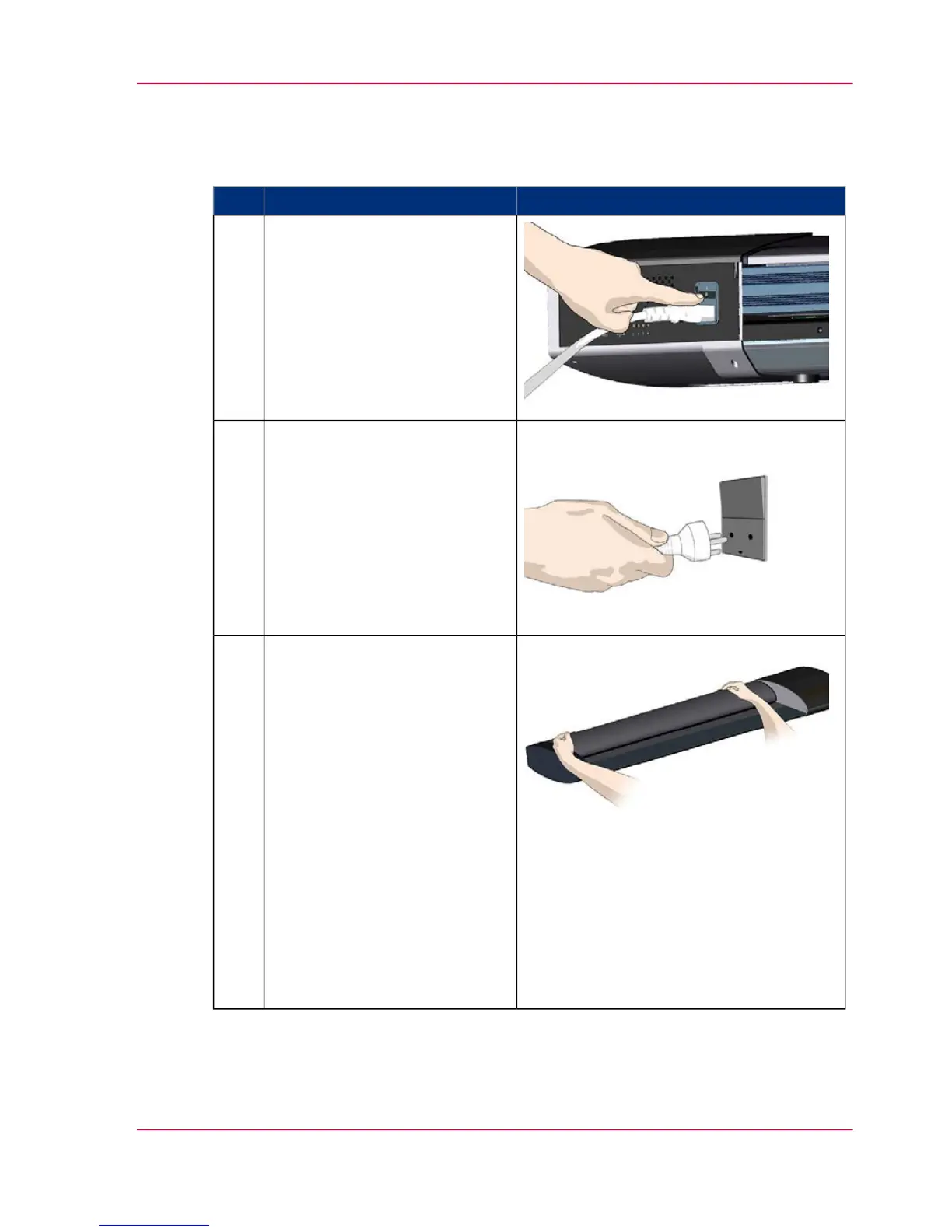
Turn the main power to OFF.
Press the main power switch at
the back of the scanner to the
OFF position.
1
Disconnect the power plug.
CAUTION: This step is to en-
sure your own personal safety
and to help protect your device
from potential damage
2
Open the scanner lid (Press the
lid release buttons).
The glass plate is in the scan area
under the scanner lid.
You need to open the lid to re-
place it.
1. The scanner lid release but-
tons are at the back of the lid.
2. Stand at the front of the scan-
ner.
3. Simultaneously slide the re-
lease buttons towards the scan-
ner's center with your fingers
until you feel them unlock.
Use your other fingers to grip
the edge of the lid.
3
Chapter 7 - Maintenance 53
Replacing the glass plate



 To Next Page