■
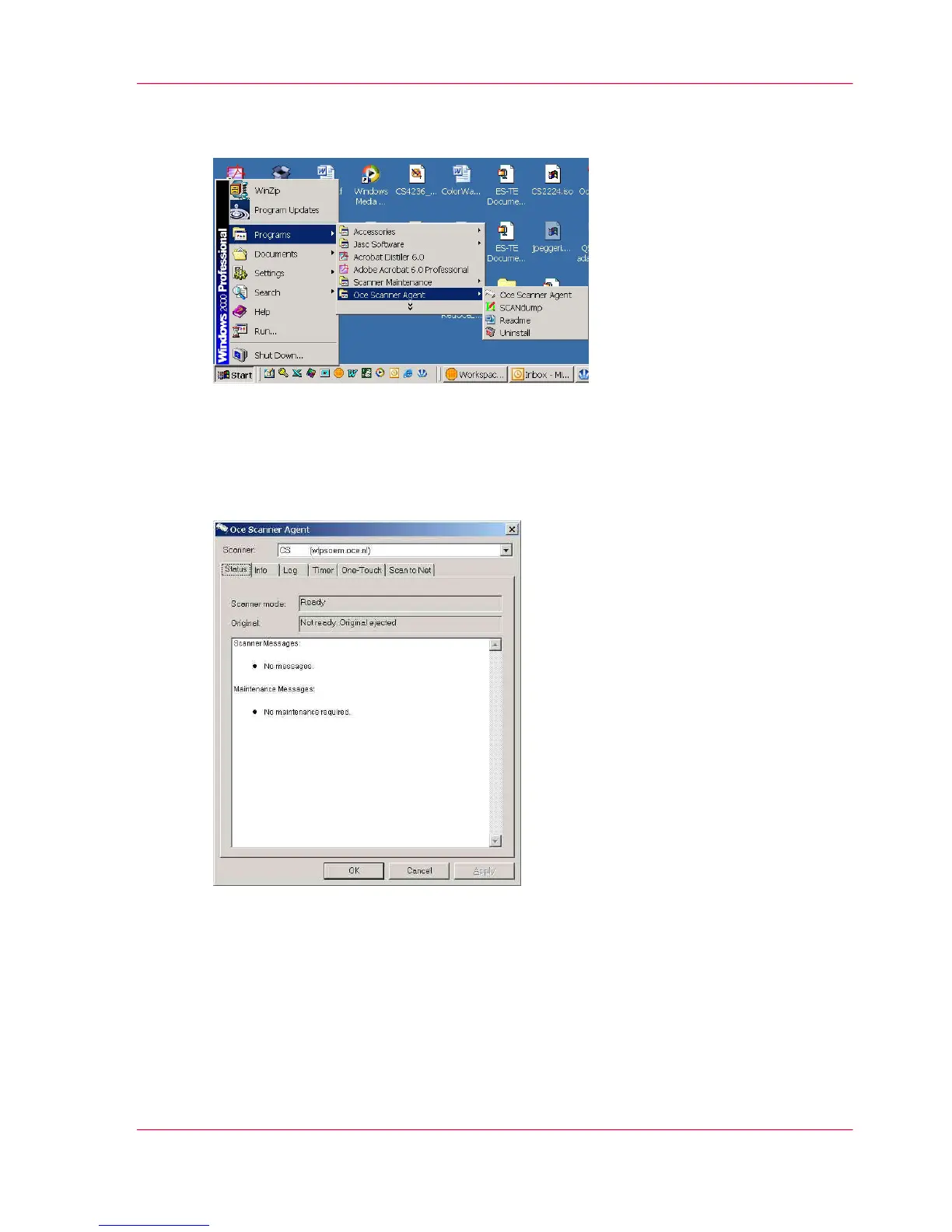
or double-click the Océ Scanner Agent icon on the system tray:
Status
The Status tab displays useful messages about what the scanner is currently doing and
displays error messages when relevant.
Scanner mode
What the scanner is doing at any given moment. Here is a list of the different scanner
modes:
Chapter 8 - Océ Scanner Agent 67
Interface of Océ Scanner Agent



 To Next Page