UsageDescriptionInfo Tab Item
User/SupportThe scanner’s serial number.Serial number
SupportID number that relates to first-
time operation.
Service ID
Log
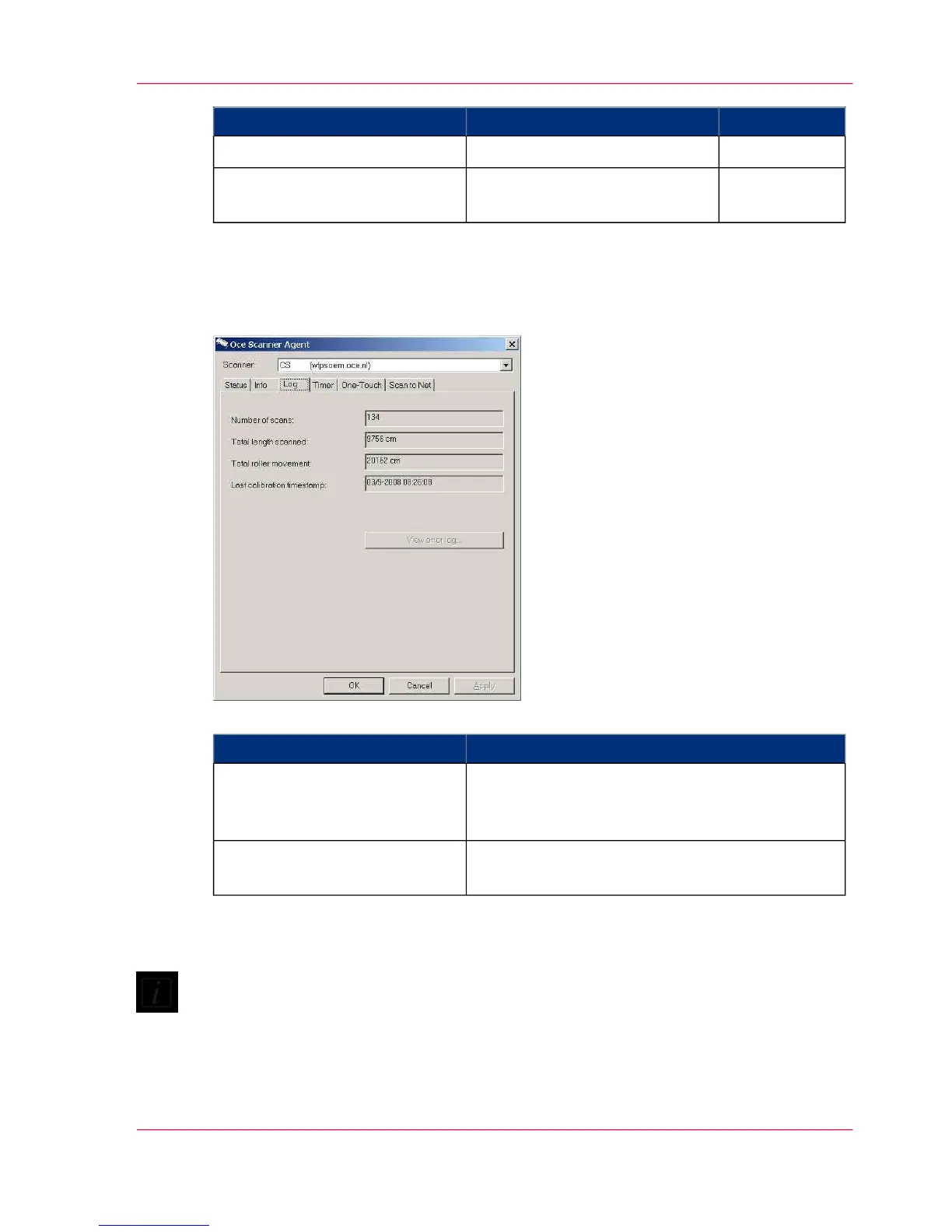
The Log tab displays summarized values related to your scanner’s runtime.
#
DescriptionLog Tab Item
Used to monitor the use of your scanner.Number of scans
Total length scanned
Total roller movement
Used to monitor and plan the scanner maintenanceLamp light on
Last calibration timestamp
Lamp light on It is advised to replace the lamp every 4000 hours of use.
Note:
Make sure to use the timer settings to save the lamp usage when the scanner is idle (see
...).
Last calibration timestamp It is recommended that you clean, align and calibrate your
scanner at least 7 days after the last date indicated in this field (see ...).
Chapter 8 - Océ Scanner Agent 71
Interface of Océ Scanner Agent



 To Next Page