ODYS PDV 67003 DVB-T
29
EN
TV Type
Press to select the “TV Type” option and confirm using ENT.
Using , select the setting appropriate for you from the 4:3 PS, 4:3 LB,
16:9 (e. g. usually 16:9) and confirm using ENT. (PS: Pan&Scan, LB:
LetterBox, see glossary chap. 10).
Video setting
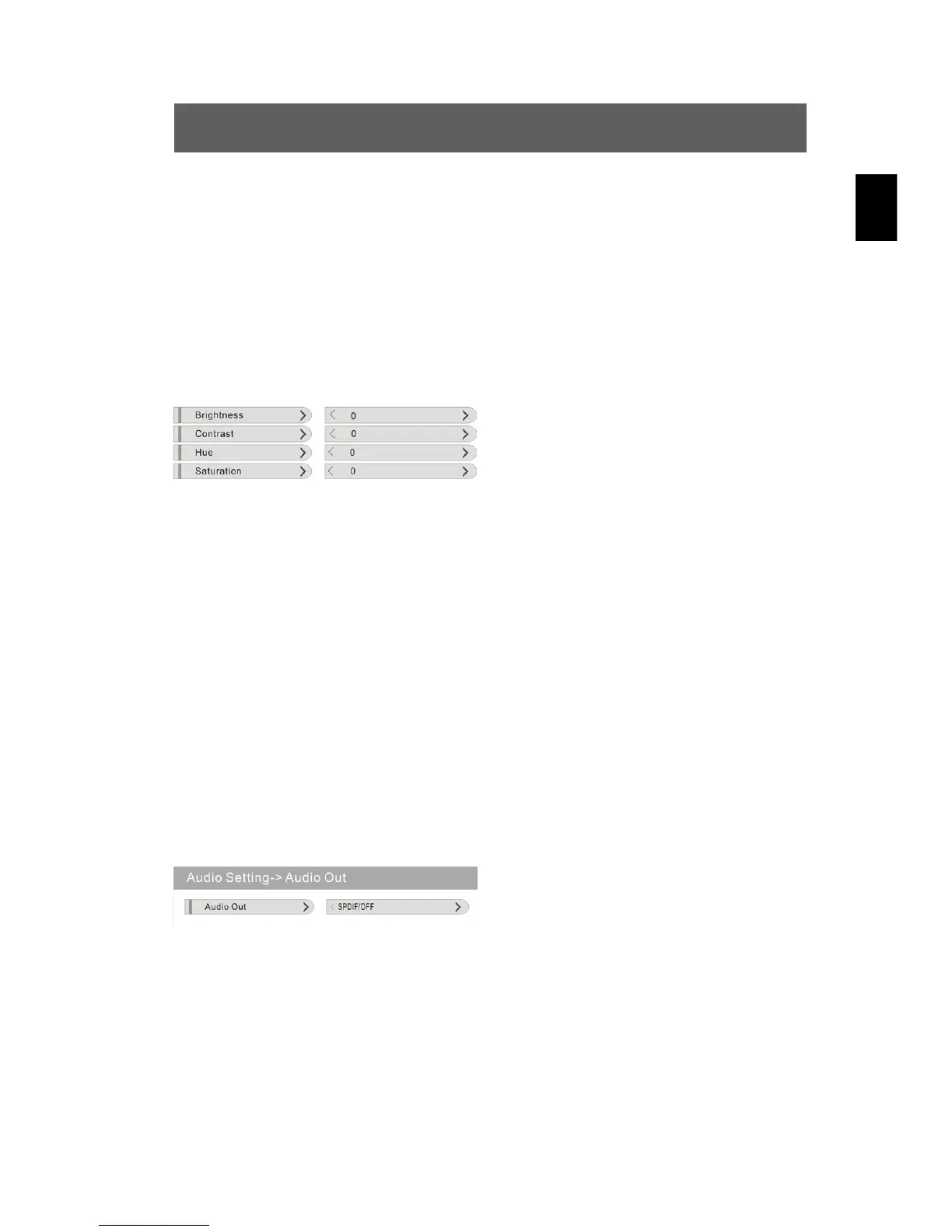
Press to select the “Video setting” option and confirm using ENT.
The following menu is displayed:
Navigate through this menu and
perform your desired settings for the
four options (see below).
Brightness, contrast, colour setting
Press to select one of the options and confirm using ENT.
Using to select the desired value between 0 … 12 and confirm using
ENT.
Tone
Press to select the “Tone” option and confirm using ENT.
Using to select the desired value between - 6 … + 6 and confirm
using ENT.
Audio setting
Press to select the “Audio setting” option, confirm using ENT. In
this menu, you set an analogue (SPDIF/OFF) or one of two optical digital
audio standards.
Audio Out
Press ENT, select the setting
appropriate for you from the
SPDIF/OFF, SPDIF/RAW, SPDIF/PCM
9 values using and confirm using
ENT.
Language
Press to select the “Language” option and confirm using ENT. The
following menu is displayed:



 To Next Page