EN-20 PR Series Balance
5.3.11 Approved Mode
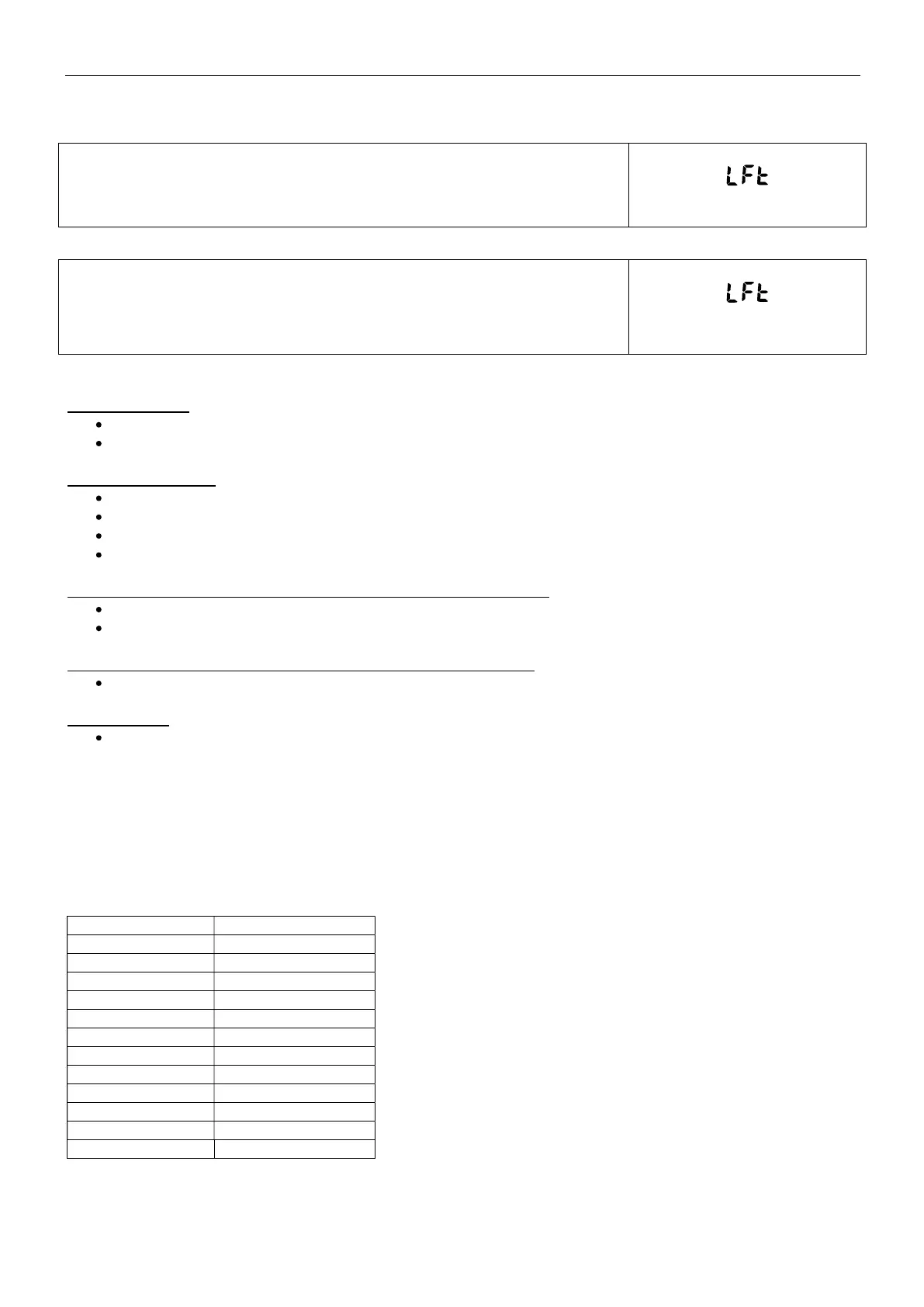
Use this menu to set the Legal for Trade status.
OFF = standard operation.
ON = operation complies with Legal Metrology regulations.
For PRxxxN models:
Use this menu to set the Legal for Trade status.
OFF = standard operation.
ON 1d = operation complies with Legal Metrology regulations, e=1d
ON 10d = o
eration com
lies with Le
al Metrolo
re
ulations, e=10d
Note: When Approved Mode is set to On, the menu settings are affected as follows:
Calibration Menu:
For InCal models, only Internal Calibration is available. All other functions are hidden.
For ExCal models, the entire Calibration menu is hidden.
Balance Setup Menu:
Filter Level is locked at the current setting.
Auto Zero Tracking is limited to 0.5 Division and Off. The selected setting is locked.
Auto Tare is locked at current setting.
Graduations are forced to 1 Division and the menu item is hidden.
Communication Menu (Communication->Print Settings->Print Output):
Stable Weight Only is locked On.
Numeric Value Only is locked Off.
Communication Menu (Communication->Print Settings->Auto Print):
Auto print mode selections are limited to Off, On Stability, and Interval. Continuous is not available.
Lockout Menu:
Menu is hidden
5.4 Weighing Units
Enter this sub-menu to activate the desired units of measure.
PR balances provide a choice of 12 units, which are all set On by default.
Note: Due to national laws, the balance may not include some of the units of measure listed below.
NTEP model: The Unit menu is used to enable or disable a specific unit. (SET ON, SET OFF).
Unit Display
Gram
Kilo
ram k
Milli
ram m
Carat ct
Pound lb
Ounce oz
Ounce Tro
ozt
Penn
wei
ht dwt
Newton N
Grain GN
TW Tael t
Custom 1 C



 To Next Page