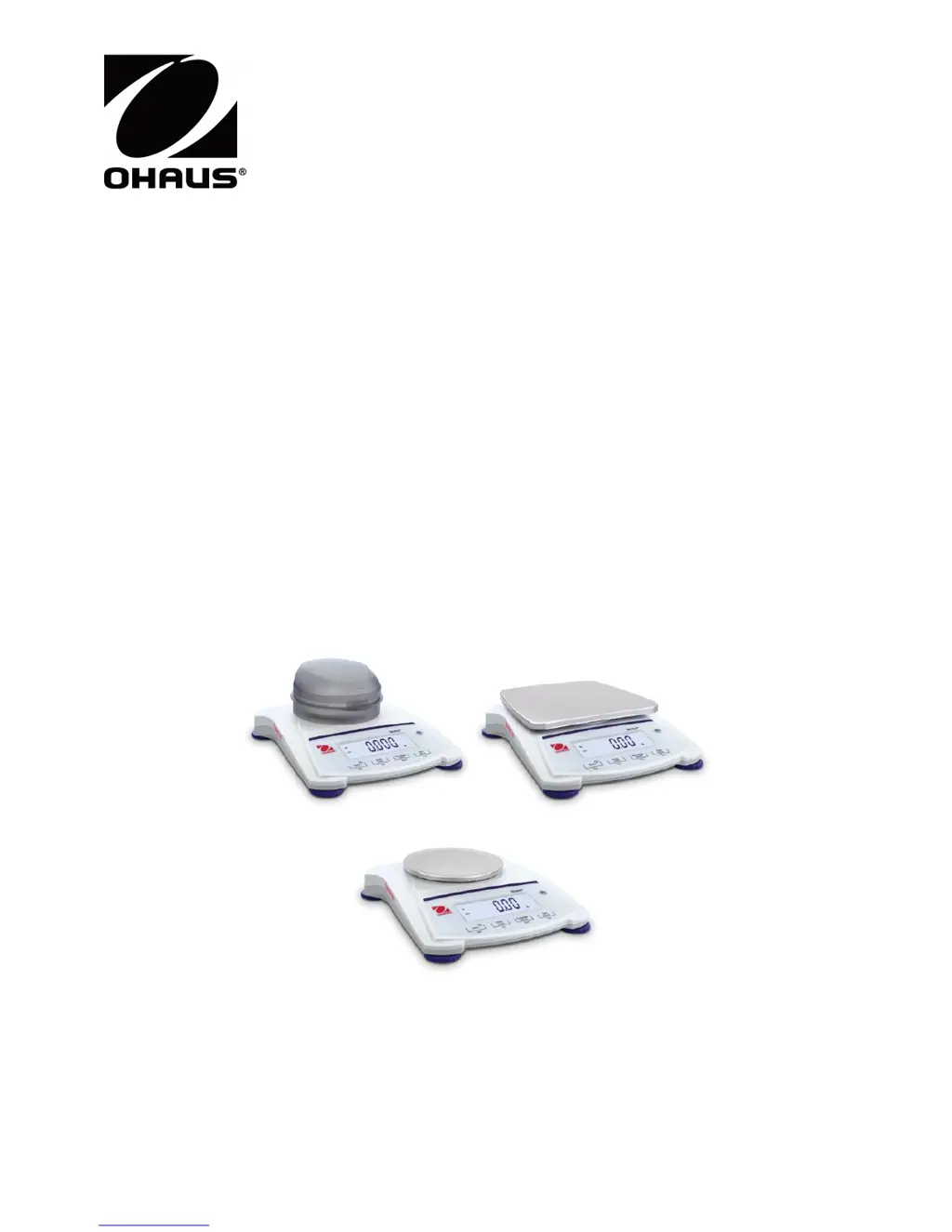
What to do if my OHAUS Scales cannot turn on?
- AAdam CastilloAug 16, 2025
If your OHAUS Scales are not turning on, the issue might be due to a lack of power to the balance. Ensure the scale is properly connected to a power source.
What to do if my OHAUS Scales cannot turn on?
If your OHAUS Scales are not turning on, the issue might be due to a lack of power to the balance. Ensure the scale is properly connected to a power source.
Why are my OHAUS SJX1502N/E showing poor accuracy?
Poor accuracy in OHAUS Scales can stem from a couple of reasons. First, the scales might need calibration. Second, an unstable environment could be affecting the readings.
What does Err 8.1 mean on OHAUS SJX1502N/E Scales?
If your OHAUS Scales display Err 8.1, it means the weight exceeds the power on zero range.
What does Err 8.2 mean on OHAUS SJX1502N/E?
If your OHAUS Scales display Err 8.2, it indicates that the weight is below the power on zero range.
What does Err 8.4 mean on OHAUS SJX1502N/E?
If your OHAUS Scales show Err 8.4, it means there is an under load condition, possibly because the pan has been removed.
What does Err 8.6 mean on OHAUS SJX1502N/E Scales?
If your OHAUS Scales display Err 8.6, the displayed value exceeds 999999, which can happen in Totalization mode.
What does Err 8.7 mean on OHAUS SJX1502N/E Scales?
If your OHAUS Scales are showing Err 8.7, this indicates an unknown internal weight position.
What does ref.err mean on OHAUS SJX1502N/E?
The error ref.err on OHAUS Scales means there is a parts counting or percentage error, where the sample weight is less than 1d. The balance will show an error, then exit parts counting or go to [Clr.APU].
What does Lo.ref mean on OHAUS SJX1502N/E Scales?
Lo.ref on OHAUS Scales indicates that the Percent Reference weight or APW is too low for accurate results.
What does USB.Err mean on OHAUS SJX1502N/E?
USB.Err on OHAUS Scales means that the device cannot find the menu or app file in the U-disk.
Lists essential safety warnings for installation, connection, and servicing.
Details AC adapter and battery installation for powering the scale.
Emphasizes the need for calibration after installation or relocation.
Identifies and explains the functions of the Scout Control Panel buttons.
Guides on performing span calibration for SJX/E and SJX models.
Details options for internal, automatic, and span calibration.
Details the weigh below hook feature and connecting interface kits.
Provides instructions for cleaning the balance and a guide to resolving common problems.
Lists essential safety warnings for installation, connection, and servicing.
Details AC adapter and battery installation for powering the scale.
Emphasizes the need for calibration after installation or relocation.
Identifies and explains the functions of the Scout Control Panel buttons.
Guides on performing span calibration for SJX/E and SJX models.
Details options for internal, automatic, and span calibration.
Details the weigh below hook feature and connecting interface kits.
Provides instructions for cleaning the balance and a guide to resolving common problems.