SCOUT
TM
SJX SERIES BALANCES EN-9
3.10 Hold Mode
There are two modes for the display hold:
- Peak Hold: allows the user to capture and store the highest stable weight value (>=5d).
- Display Hold (default): allows the user to capture and store the first stable weight value (>=5d).
Start
If no weight value is held on the display, press Function key to begin. The [rEAdY] (Ready) will
be displayed until a weight is added on the pan.
When the stable value is being held on the display, the Hold icon (H) will blink and the displayed
weight will not change.
Reset
If the pan is empty and a weight value was held on the display, a single short press of the
Function key will clear the held value and show the new weight on the pan.
1. Press and hold Mode until [HoLd] is displayed.
2. If required, place an empty container on the pan and press Tare. Zero value will then
display.
3. Press Function key to begin. The [rEAdY] (Ready) will be displayed.
4. Place samples to be weighed on the pan.
5. The stable value will be held on the display, the Hold icon (H) will blink.
4. MENU SETTINGS
The User Menu allows the customizing of balance settings.
Note: Additional Sub-Menus may be available if Interface Options are installed. See Interface
User Manual for the additional setting information.
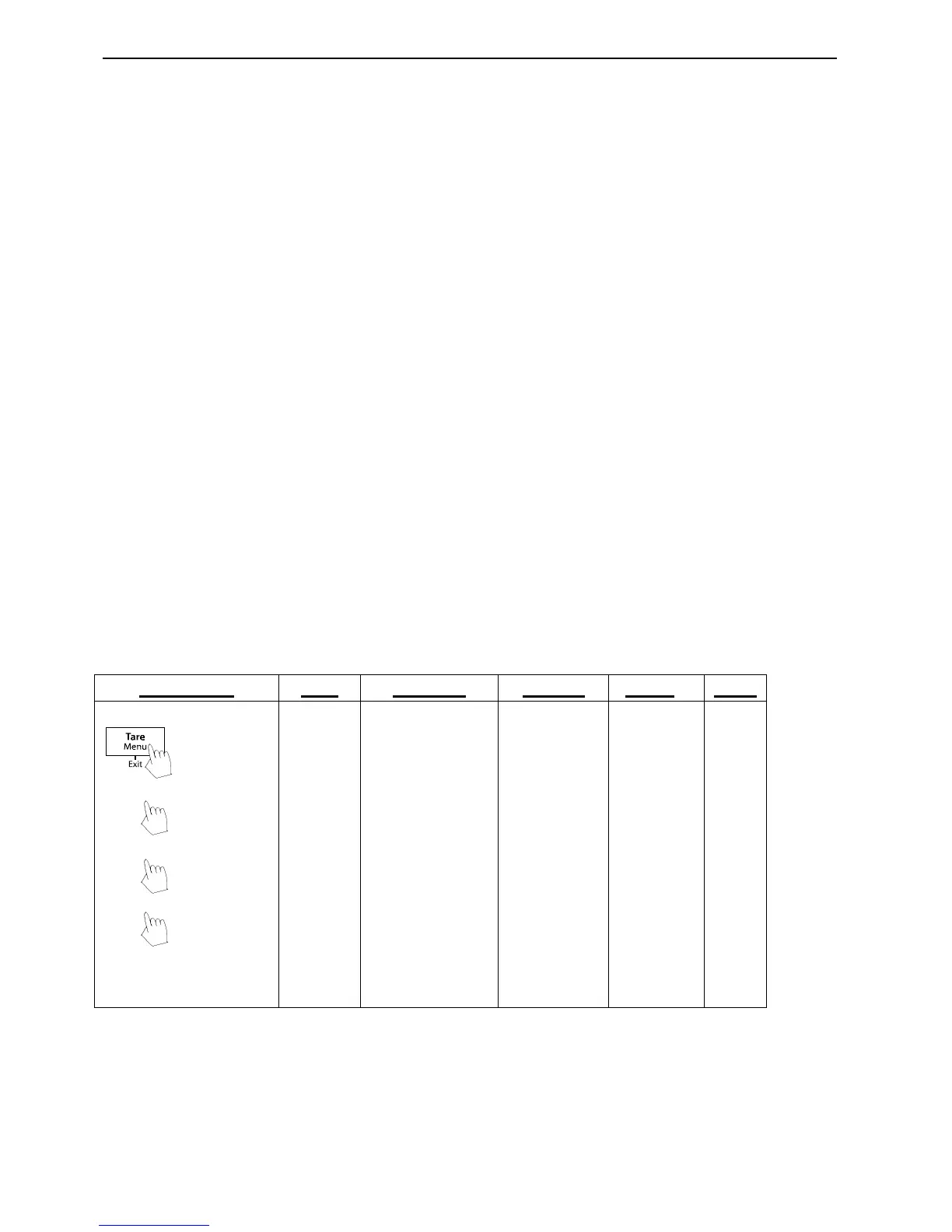
4.1 Menu Navigation
User Menu:



 To Next Page