EN-4
2.2.1 Opening the Housing
CAUTION: ELECTRICAL SHOCK HAZARD. REMOVE ALL POWER CONNECTIONS
TO THE INDICATOR BEFORE SERVICING OR MAKING INTERNAL
CONNECTIONS. THE HOUSING SHOULD ONLY BE OPENED BY AUTHORIZED
AND QUALIFIED PERSONNEL, SUCH AS AN ELECTRICAL TECHNICIAN.
TD52P
Remove the four Phillips head screws from the rear housing.
Remove the front housing being careful not to disturb the internal connections.
Once all connections are made, reattach the front housing.
TD52XW
Remove the four hex head screws from the rear housing.
Open the housing by carefully pulling the front housing forward.
Once all connections are made, reattach the front housing.
The screws should be tightened to 2.5 N•m (20-25 in-lb) torque to ensure a watertight seal.
2.2.2 RS232 Interface Cable to TD52XW
Pass the optional RS232 cable through the strain relief (Figure 1-2, item 10) and attach it to terminal
block J7 (Figure 1-3, item 6). Tighten the strain relief to maintain a watertight seal.
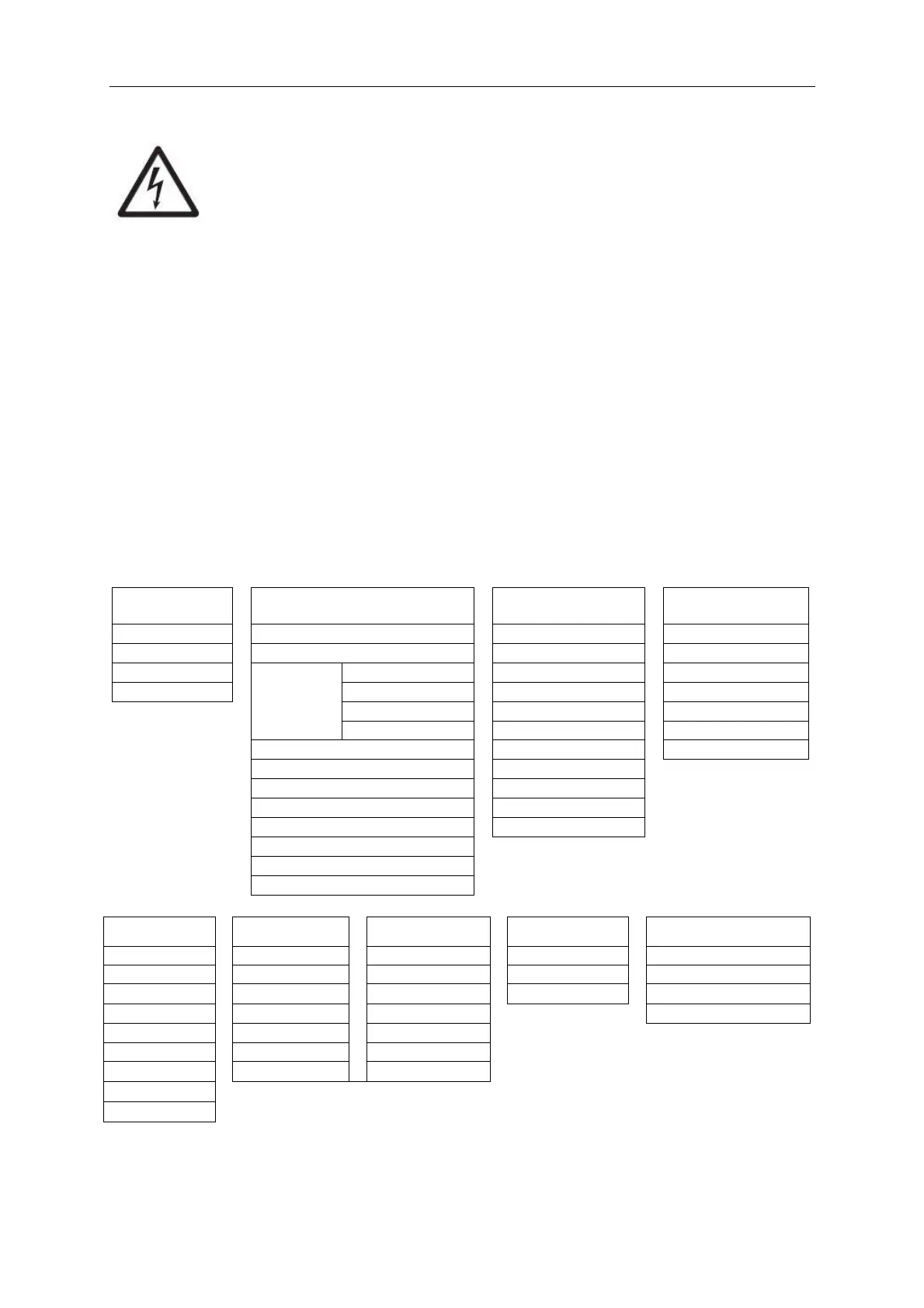
3. Menu Structure
TABLE 3 MENU STRUCTURE
* Sub- menu for options will be active only when the specific board is installed.
The Bluetooth® word mark and logos are registered trademarks owned by Bluetooth SIG, Inc. and any use of such marks by
OHAUS is under license.


 To Next Page