CHAPTER 1 GETTING STARTED
Ohaus Corporation www.ohaus.com 1-4 Valor™ 2000 Series Service Manual
1.5 SCALE OPERATION
This section contains information on the basic operation of the scale.
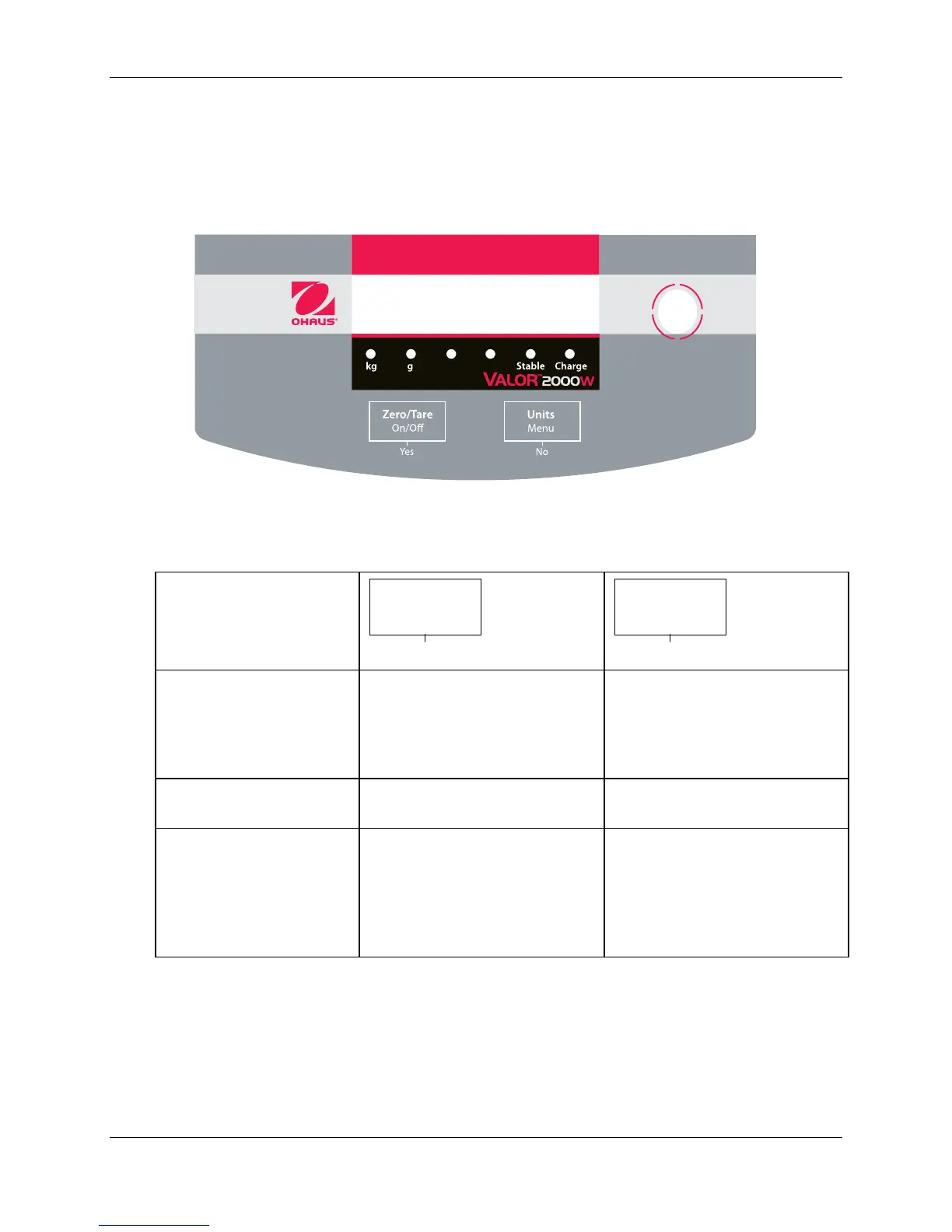
1.5.1 OVERVIEW OF THE CONTROLS
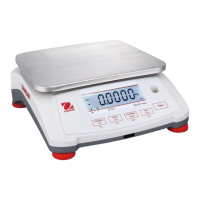
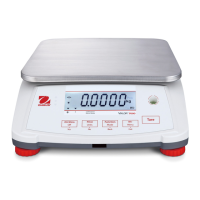
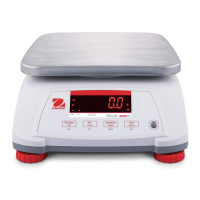
Figure 1-1. Valor 2000 Front Display: with controls. (The display and LEDs are
duplicated on the rear of the scale, to facilitate customer viewing.)
TABLE 1-2. FUNCTIONS OF DISPLAY CONTROLS
Primary Function
(Short Press)
ON/ >O/T<
Turns scale ON.
If scale is On:
Sets zero.
Performs a tare operation.
UNITS
Changes the weighing Unit.
Secondary Function
(Long Press)
Menu
Enter the User menu.
Menu Function
(Short Press)
Yes
Accepts the current setting on
the display.
No
Advances to the next menu or
menu item.
Rejects the current setting on
the display and advances to
the next available setting.





 To Next Page