APPENDIX B SERVICE CALIBRATION
Ohaus Corporation www.ohaus.com B-2 Valor™ 2000 Series Service Manual
B.4 Service Unit Menu
When S.UNIt appears, press YES to accept the Service Unit menu item,
or NO to advance to the Service Calibration menu item.
When S.UNIt appears and the kg LED is lit, press YES to accept the
kg menu item, or NO to advance to the Gram Unit menu item.
The Kilogram Unit menu item setting appears, blinking.
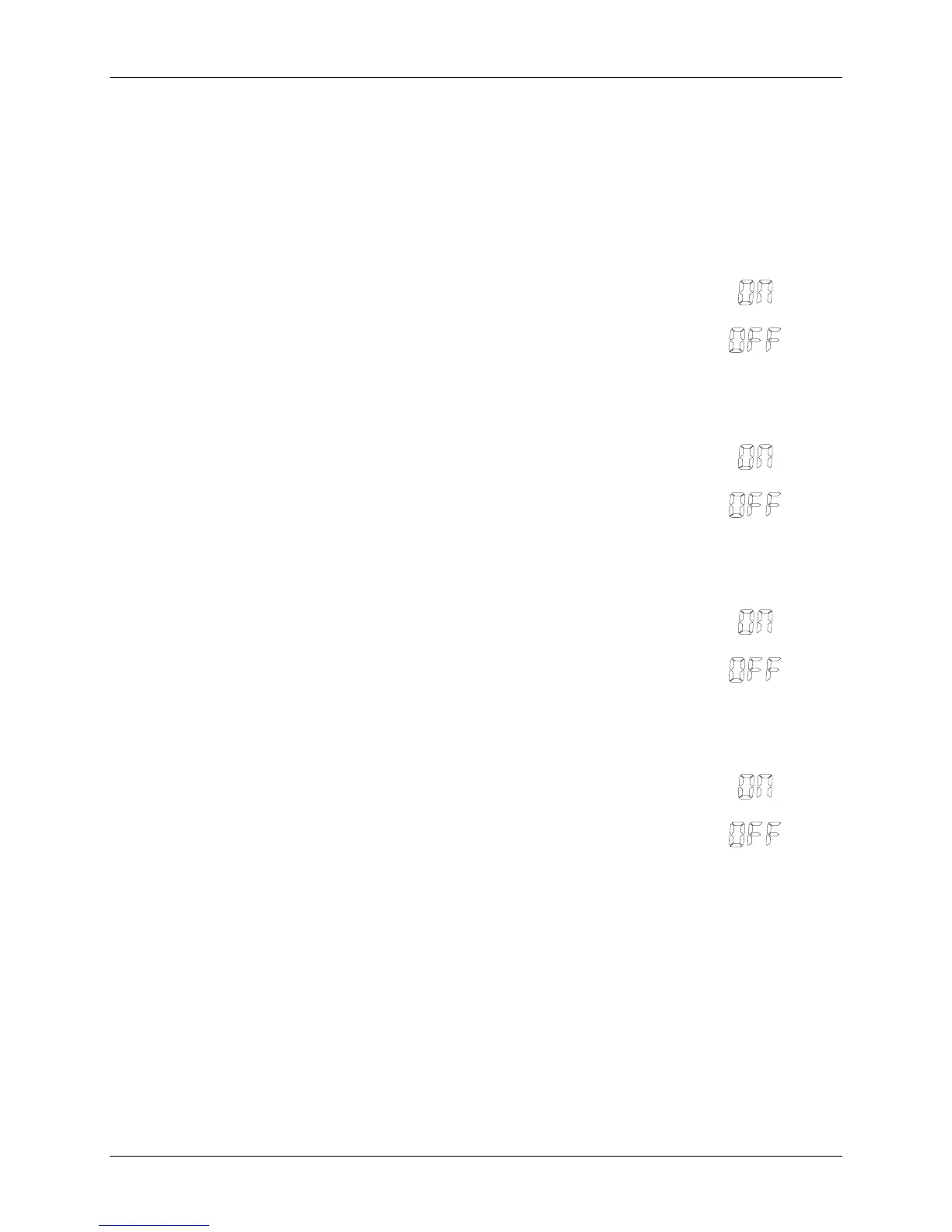
The available settings are Off and On. The default is On for all models.
Press NO to step through the settings.
Press YES to accept the setting and move to the Gram Unit menu item.
When S.UNIt appears and the g LED g is lit, press YES to accept the
Gram Unit menu item, or NO to advance to the Pound Unit menu item.
The Gram Unit menu item setting appears, blinking.
The available settings are Off and On. The default is On.
Press NO to step through the settings.
Press YES to accept the setting and move to the Pound Unit menu item.
When S.UNIt appears and the lb LED is lit, press YES to accept the
Pound Unit menu item, or NO to advance to the Ounce Unit menu item.
The Pound Unit menu item setting appears, blinking.
The available settings are Off and On. The default is On.
Press NO to step through the settings.
Press YES to accept the setting and move to the Ounce Unit menu item.
When S.UNIt appears and the oz LED is lit, press YES to accept the
Ounce Unit menu item, or NO to advance to the Service Unit menu item.
The Ounce Unit menu item setting appears, blinking.
The available settings are Off and On. The default is On.
Press NO to step through the settings.
Press YES to accept the setting and move to the Service Calibration
menu.





 To Next Page