CHAPTER 2 DIAGNOSTIC GUIDE
Ohaus Corporation www.ohaus.com 2-6 Valor™ 2000 Series Service Manual
2.2.4 Diagnostic Guide
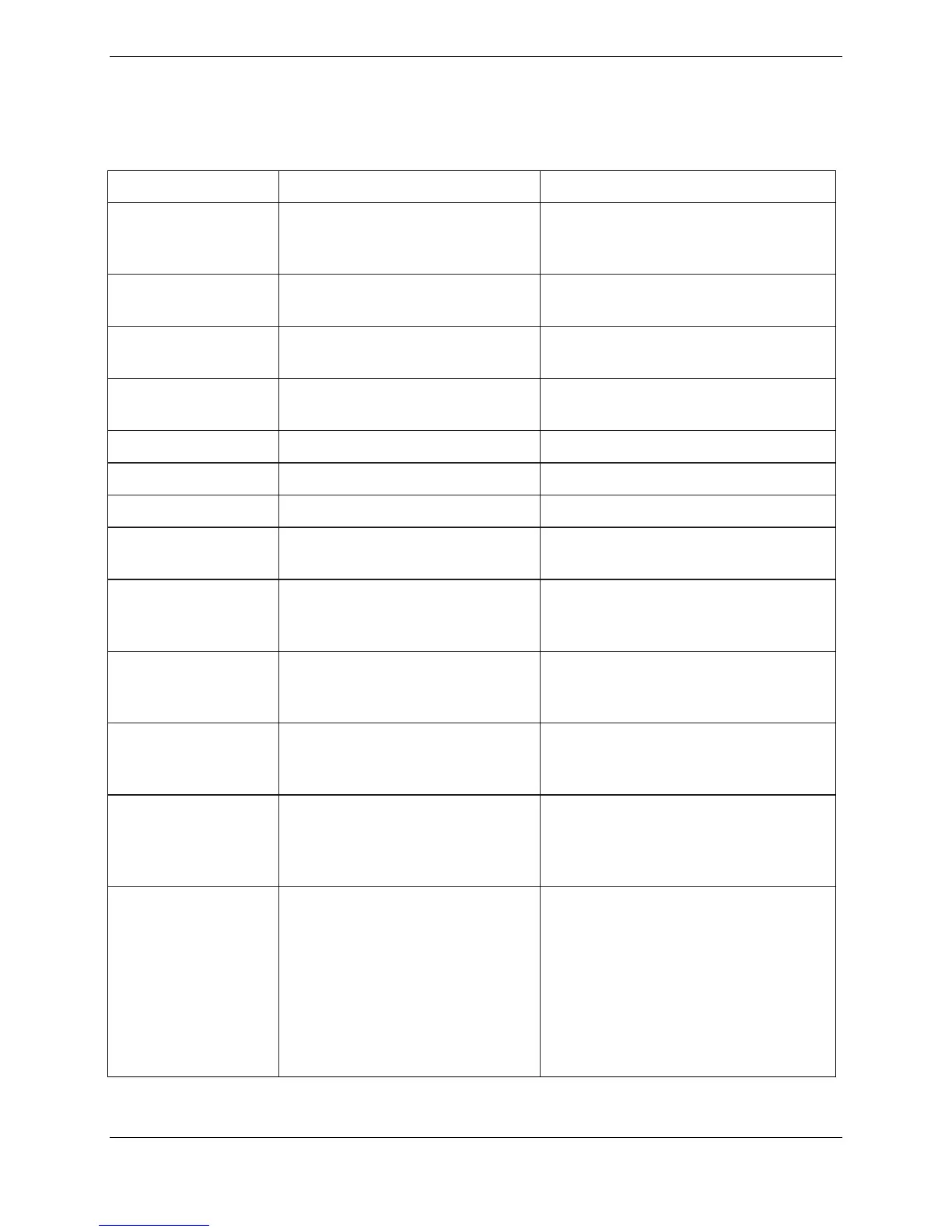
TABLE 2-4. DIAGNOSTIC GUIDE
Air flow may be blocked to
scale because rear feet are
tightened completely.
Adjust rear feet at least slightly to
allow proper air flow. (They should
be tightened when scale is washed.)
Displayed while zero or tare function
is in process
Displayed while calibration data is
being collected.
Weight reading exceeds zero limit.
Remove load from scale.
Calibration process is completed.
Requested action is not allowed.
Battery charge is too low.
Recharge battery.
Calibration point value is outside of
acceptable range. (See Appendix A
or B.)
Error 1: Overload limit
exceeded
Weight reading exceeds capacity
plus 9d. Remove load from scale.
Recalibrate scale.
Error 2: Underload limit
exceeded
Weight reading is below calibration
zero value by 30% of scale capacity.
Add load to scale. Recalibrate scale.
Error 9: Menu data checksum
error
Menu data in EEPROM is corrupted.
Cycle power on and off. If error
continues, check menu settings.
If problem continues, replace PCB.
Error 14: Initial Zero limit error
Weight reading exceeds 10%
Power On Zero limit when LFT is set
to ON.
Place platform on the balance. If the
problem continues, add a small
amount of weight at power on. If the
problem persists, perform span and
linearity calibration from Service
menu. (See Appendix B.)





 To Next Page