45
Chapter 15
| People |
15
People
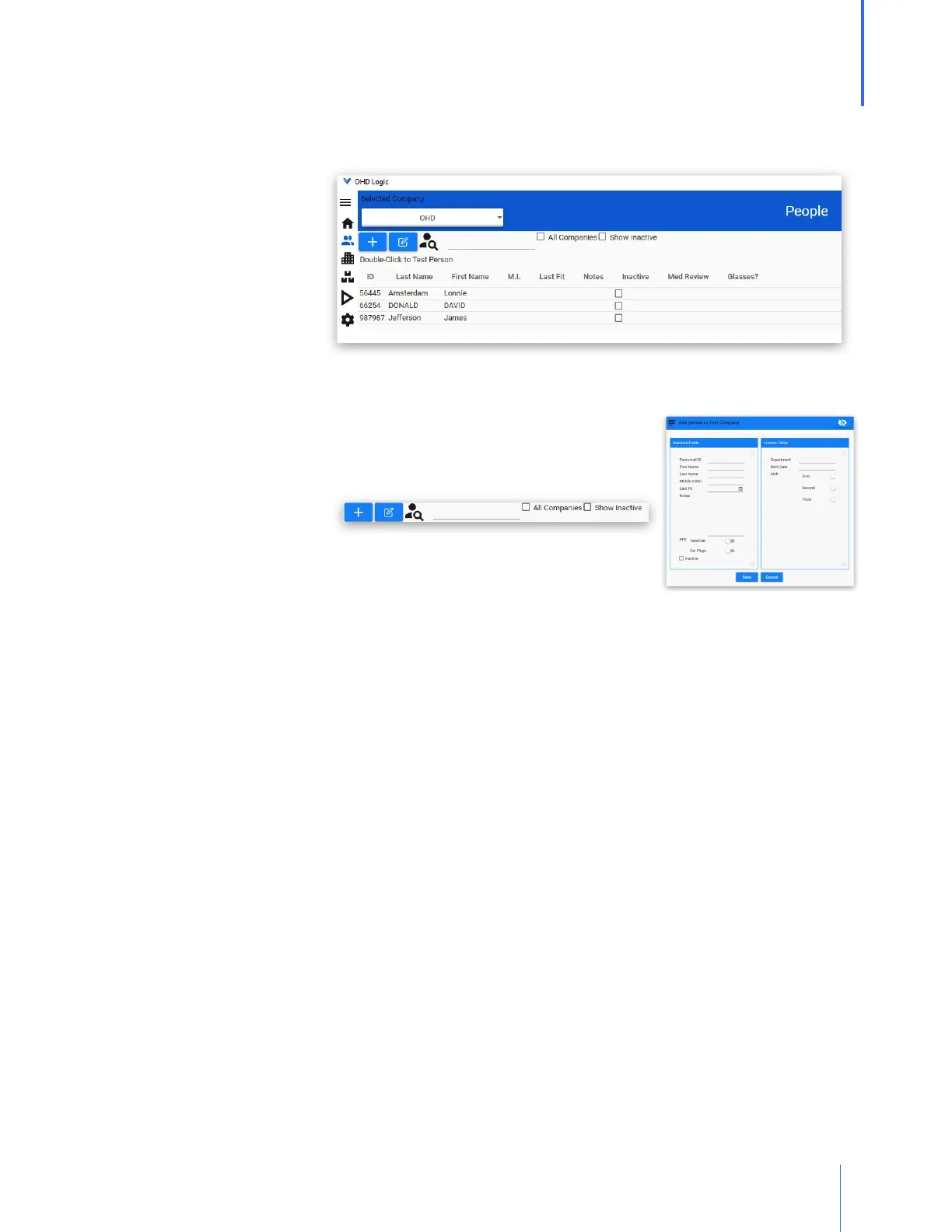
The people list shows the people in the currently selected company who have not been made
inactive. The All Companies box can be checked for a list of people throughout all companies.
Users can be made
inactive if they have left
their position, or no
longer require fit
testing. Their records
will not be deleted, but
they will be hidden from
view. To reactivate a
person, click on "Show
Inactive," select the person, and click on the Toggle Active button.
People can be added or edited on this screen. The plus sign will bring
up an Add People screen, while the edit button will allow the
currently selected person's record to be edited.
The search field can
contain any combination
of letters that appear in someone's name, and that person will show
up in the list.
o Typing ian will bring up anyone named Ian, as well as Brian.
o Typing Brian will bring up only those people named Brian.
o Typing B will bring up anyone with a "B" as a part of their name.



 To Next Page