52
Chapter 18
| Settings | Respirators
18
Settings
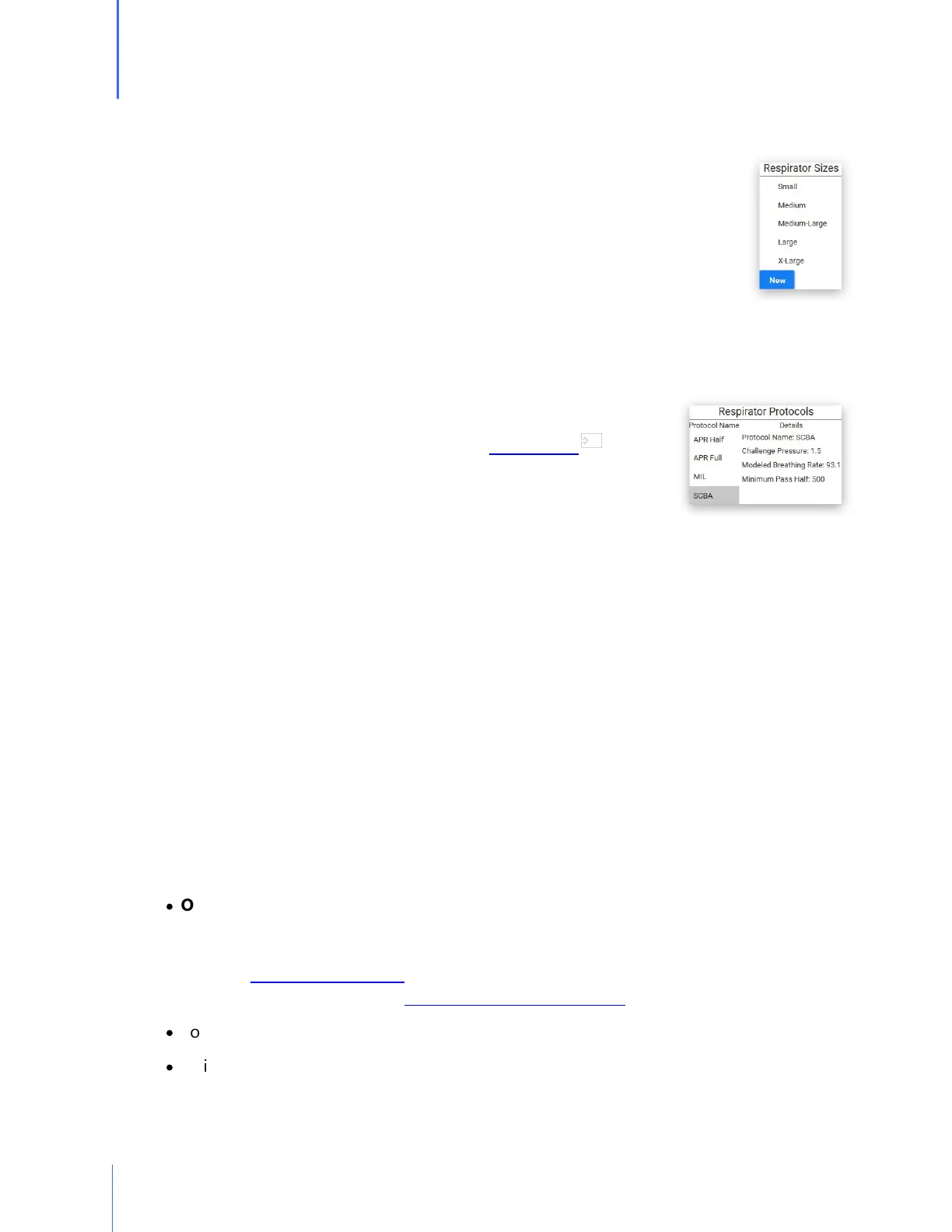
Respirator Sizes
The default respirator sizes that are pre-programmed into the software include:
Small, Medium, Medium-Large, and X-Large.
The respirator Sizes module allows the operator to add additional respirators
sizes if the need should arise. This could include sizes such as One-Size-Fits-All,
X-Small, etc. The operator may also delete sizes of respirators that are not a size
used by a specific respirator manufacturer. This would prohibit operators from
selecting the wrong size by mistake.
Parameters
Parameters define how each respirator type is tested. Upon initial
setup, a regulation was selected. This selection can be changed in the
settings. For a complete list of regulations, see Appendix E.
Select the mask type, and the appropriate parameters will be
displayed.
If for some reason, a change is needed for a specific regulation (minimum passing fit factor,
challenge pressure, etc.), An Administrator can create or duplicate an existing regulation, and
make the required changes. This is highly discouraged as the regulations are in place as
required. Regulations will be added or modified to the software when changes or updates
become available. The new regulations will be distributed in an updated version of the software.
Update
When clicking on the Update icon, The software will give a notification stating whether there is
a software update available or not. In the Setup section of the Setup options, there is an option
to turn on or off the ability for the software to automatically update. With the auto update
turned on, whenever there is a new release, the operator will be prompted to confirm that he or
she wants the update to occur.
About
In the About section, information is included for:
·
OHD Contact Information
Address: 2687 John Hawkins Pkwy, Hoover, AL 35244, USA
Phone: +1-205-980-0180
Website: www.ohdglobal.com
Email: sales@ohdglobal.com, techsupport@ohdglobal.com
·
Software version
·
Quick Links to useful websites
71


 To Next Page