- 60 -
Replacing Consumables
10
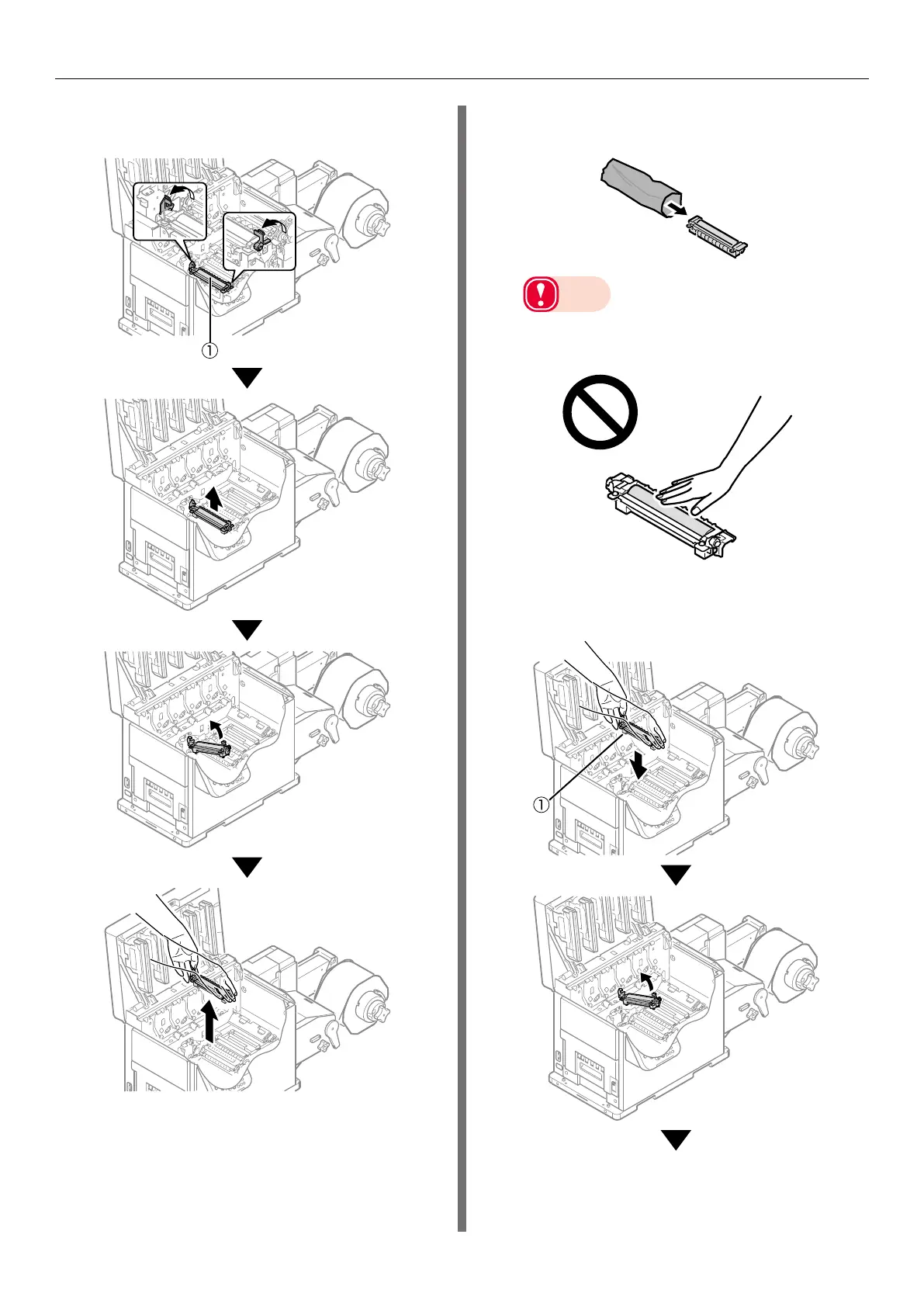
Hold the 2nd transfer roller unit (
①
)
knob (blue) and remove it.
11
Remove the 2nd transfer roller from its
packaging.
Note
z
Do not touch the roller part (sponge part) of the
2nd transfer roller. Touching it damages the surface
of the roller, which degrades print quality.
12
Set the new 2nd transfer roller (
①
)
into the printer.



 To Next Page