pro920WT User’s Guide> 101
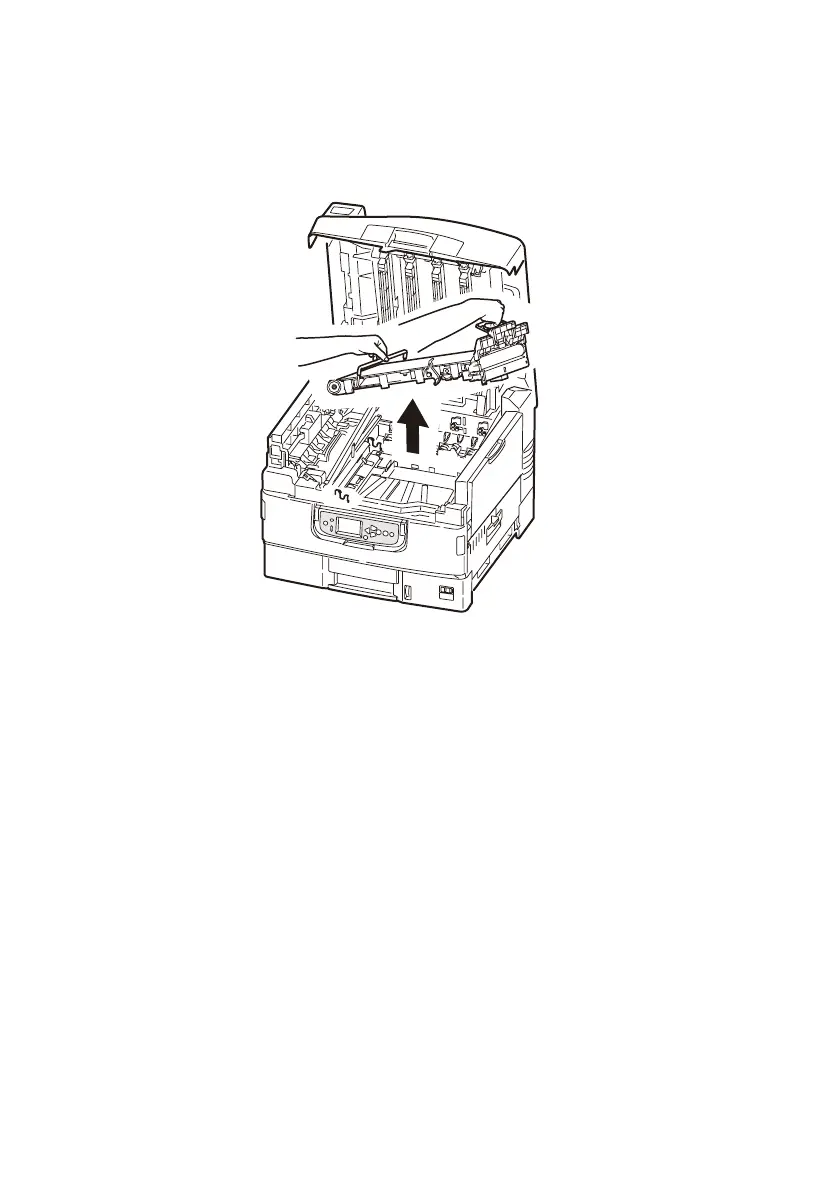
5. Lift up the handle of the belt unit on the right, and then, hold
the other handle on the left to take it out slowly with both
hands.
NOTE
Avoid the belt unit bumping to the LED head.
Put the removed belt unit into a bag and seal it.
6. Take out the new belt unit from the package.
NOTE
Do not touch the shiny black surface of the belt unit.








 To Next Page