pro920WT User’s Guide> 71
M
AC
OS X
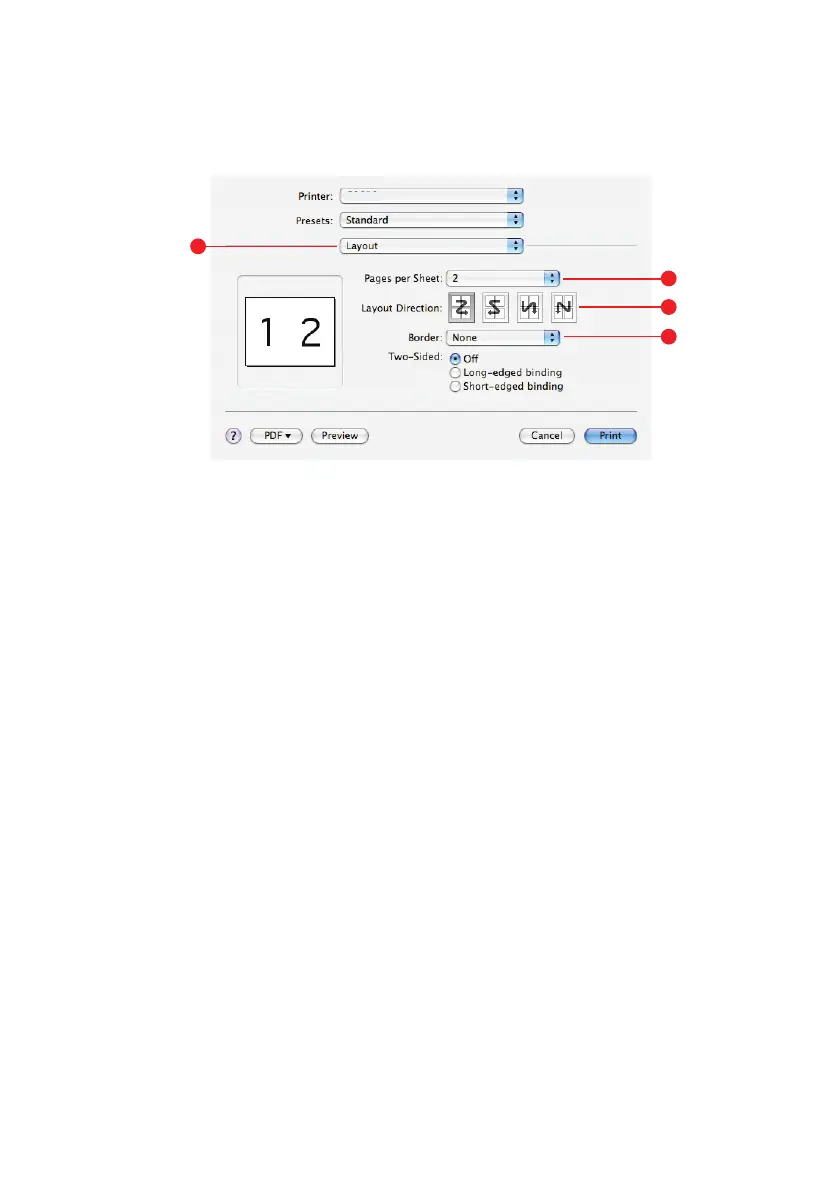
1. Select Layout (1).
2. From the Pages per Sheet menu (2), select the number of
pages you want to fit onto a single sheet of paper.
3. If required, change the direction (3) the document pages are
laid out on each sheet of paper.
4. If required, you can surround each page with a border (4).
1
3
4
2








 To Next Page