pro920WT User’s Guide> 116
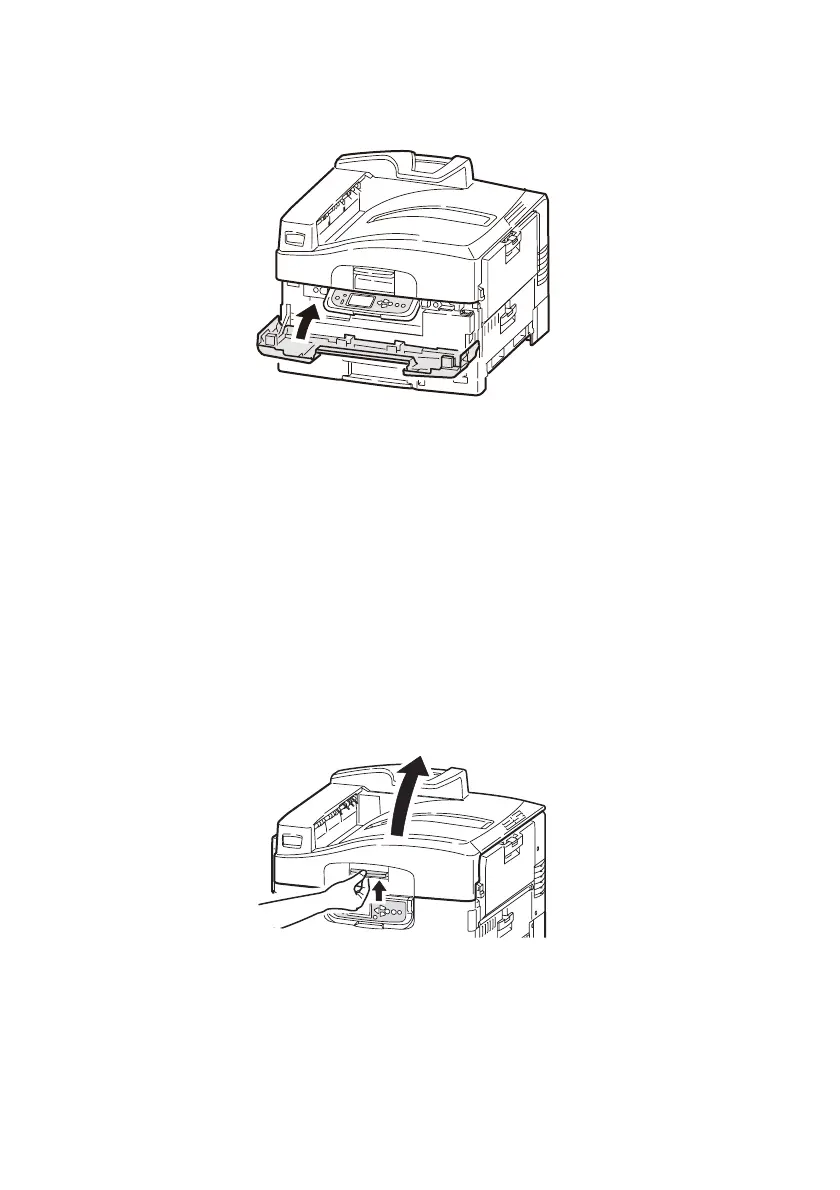
8. Close the front cover.
C
LEANING
THE
LED
HEADS
You are advised to clean the LED heads:
> any time you replace a toner cartridge (a LED lens cleaner is
enclosed with each replacement toner cartridge)
> if printing is showing signs of faded images, white stripes or
blurred letters
You can use a LED lens cleaner or dry, soft cloth for cleaning the LED
heads.
1. Open the top cover.








 To Next Page