pro920WT User’s Guide> 74
M
AC
OS X
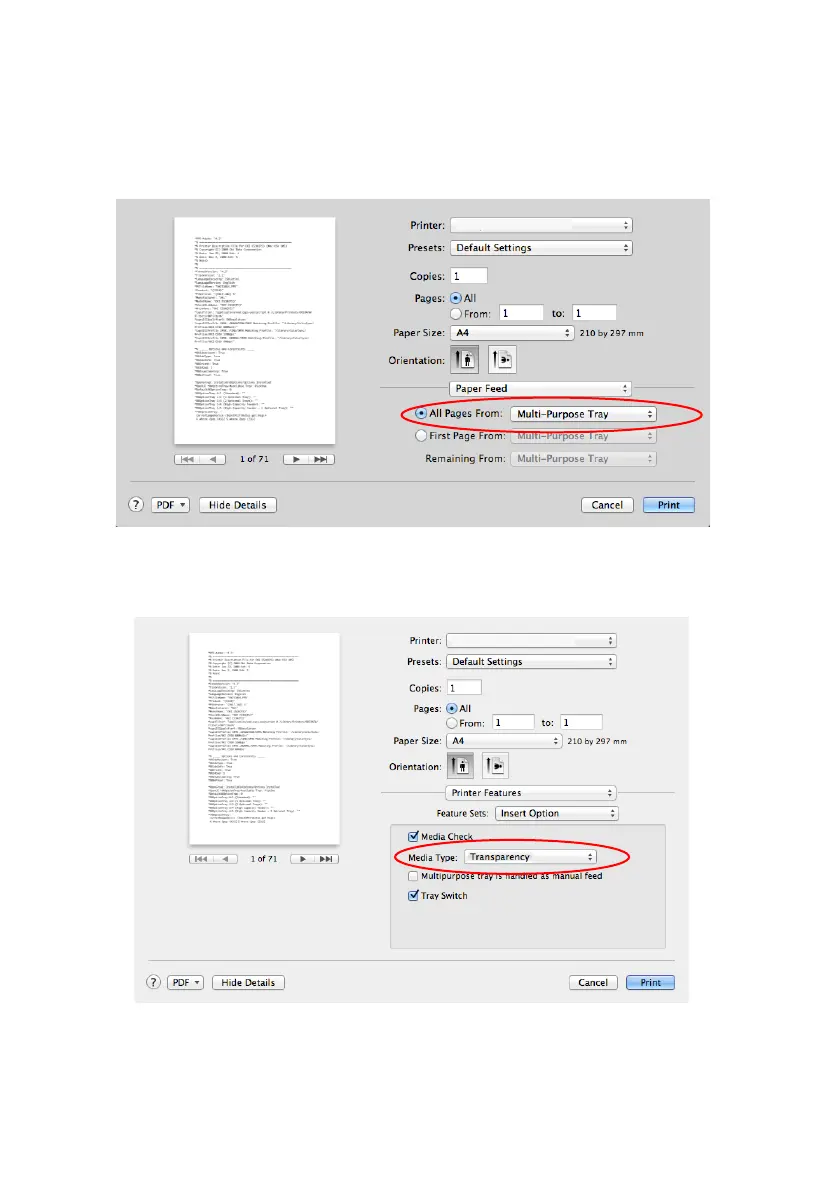
1. In the driver's window, select the Multi-Purpose Tray from
the All Pages From drop-down list.
2. Move to the Printer Features window, select the
Transparency from the Media Type drop-down list in the
Feature Sets: Insert Option.
3. In the driver's Eject options window, select the
Stacker(Face Up) from the Output Bin drop-down list.








 To Next Page