pro920WT User’s Guide> 73
T
RANSFER
/
TRANSPARENCY
FILM
PRINTING
This feature enables printing on transfer or tranparency film.
The multipurpose tray is used for feeding film media.
W
INDOWS
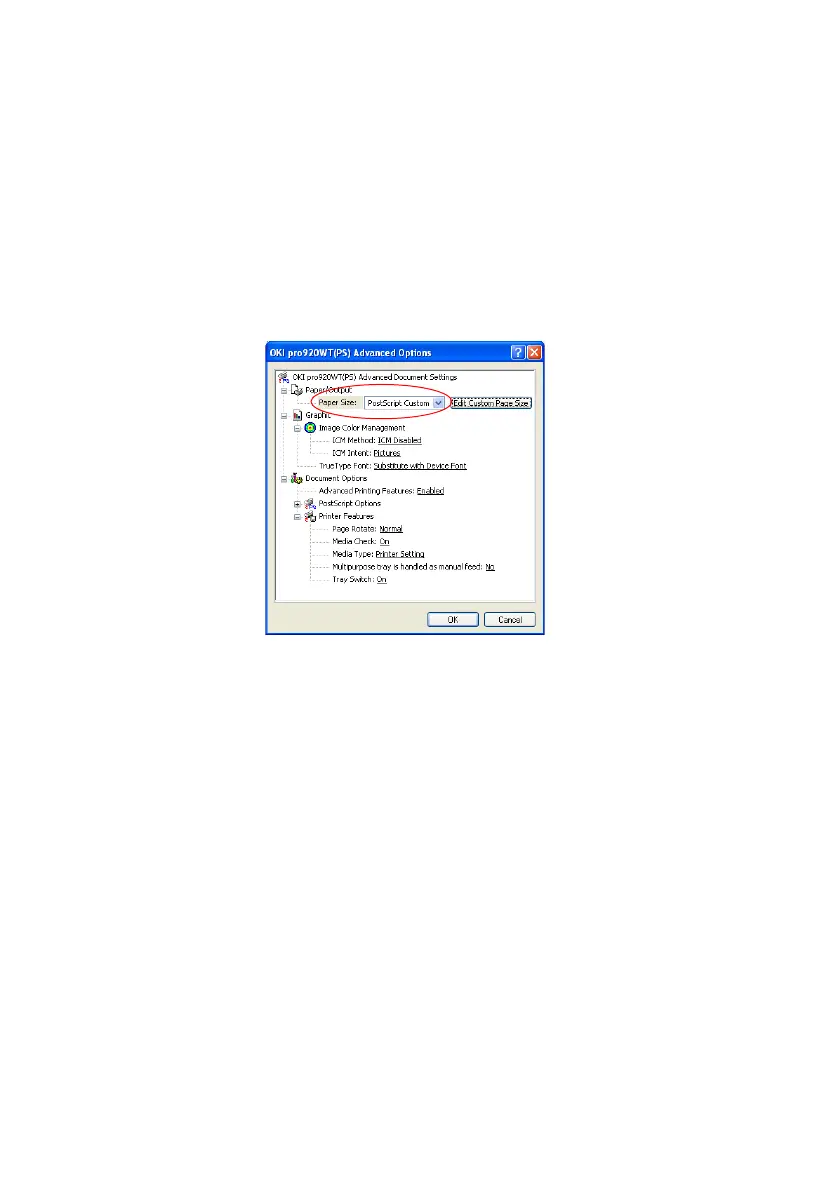
1. In the driver’s Paper/Quality tab, click Advanced, and
select the required film size from the Paper Size drop-down
list.
2. In the same window, select the Transparency from the
Printer Features - Media Type drop-down list.
3. Click OK to close the Advanced Options window.
4. From the Source drop-down list select Multipurpose tray.
5. In the driver's Job options tab, select the Stacker(Face
Up) from the Output Bin drop-down list.








 To Next Page