pro920WT User’s Guide> 44
T
URNING
O
N
NOTE
If the display panel shows that you can either turn off or restart
the printer, press Shutdown/Restart to turn on the printer.
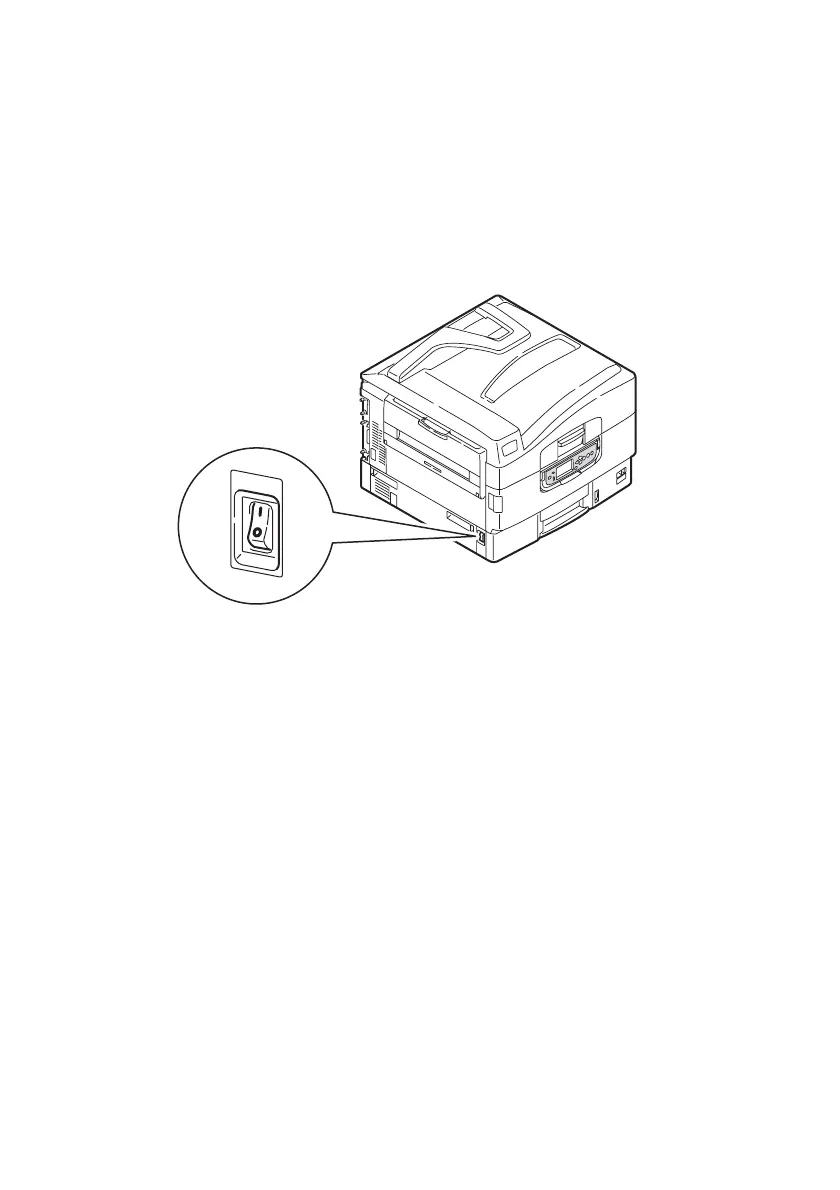
1. If the printer is turned off (no power), use the On/Off switch
to turn on the printer.
C
HANGING
THE
DISPLAY
LANGUAGE
The default language used by your printer for display messages and
for report printing is English. If required, this can be changed using
the Panel Language Download Utility located on the installation CD
under Optional Utilities.








 To Next Page