pro920WT User’s Guide> 56
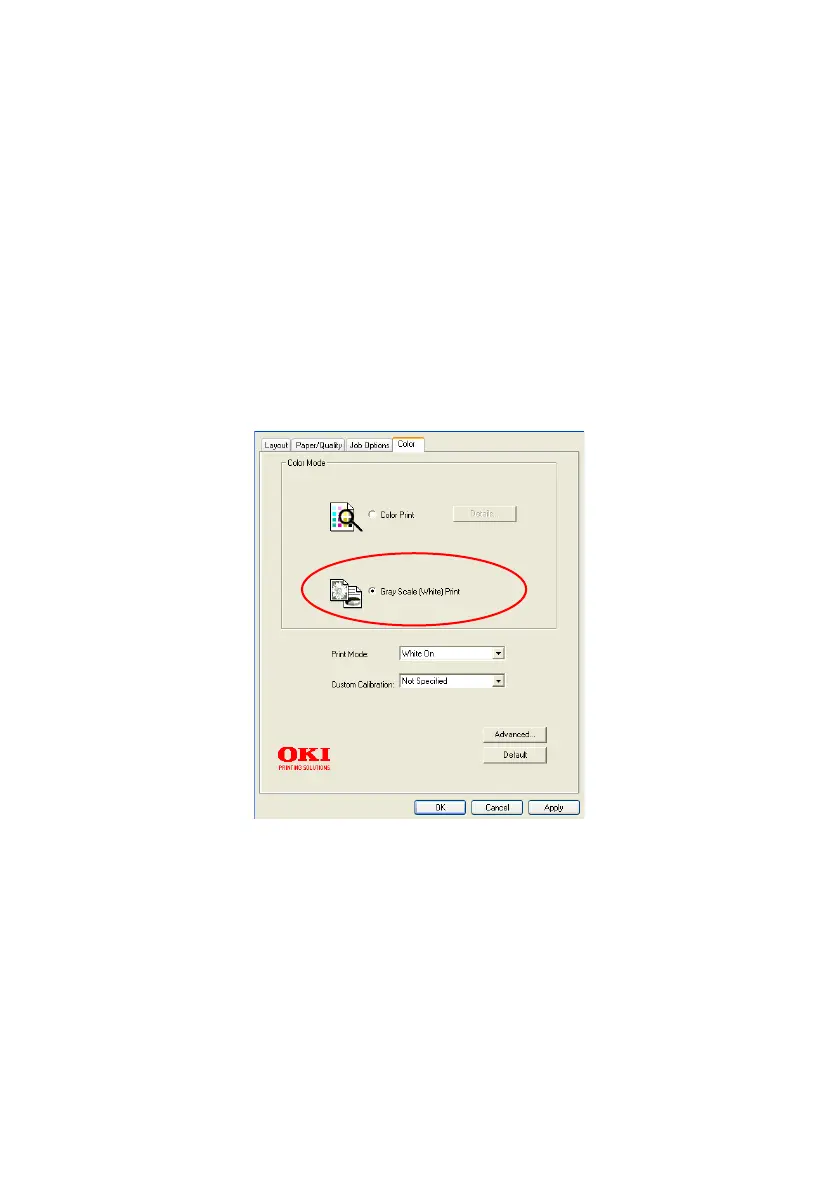
G
RAY
S
CALE
(W
HITE
) P
RINT
Select this when printing documents using only white toner without
using CMY toner.
NOTE
To use this setting, you need to create data as gray scale data in
an application. Save data with the gray scale or monochrome
mode. The color data cannot be converted to Gray Scale (White)
Print automatically.
Windows
1. On the print dialog box, click the Color tab.
2. Under Color Mode, select Gray Scale (White) Print.








 To Next Page