pro920WT User’s Guide> 128
C
LEANING
THE
PRINTER
CASING
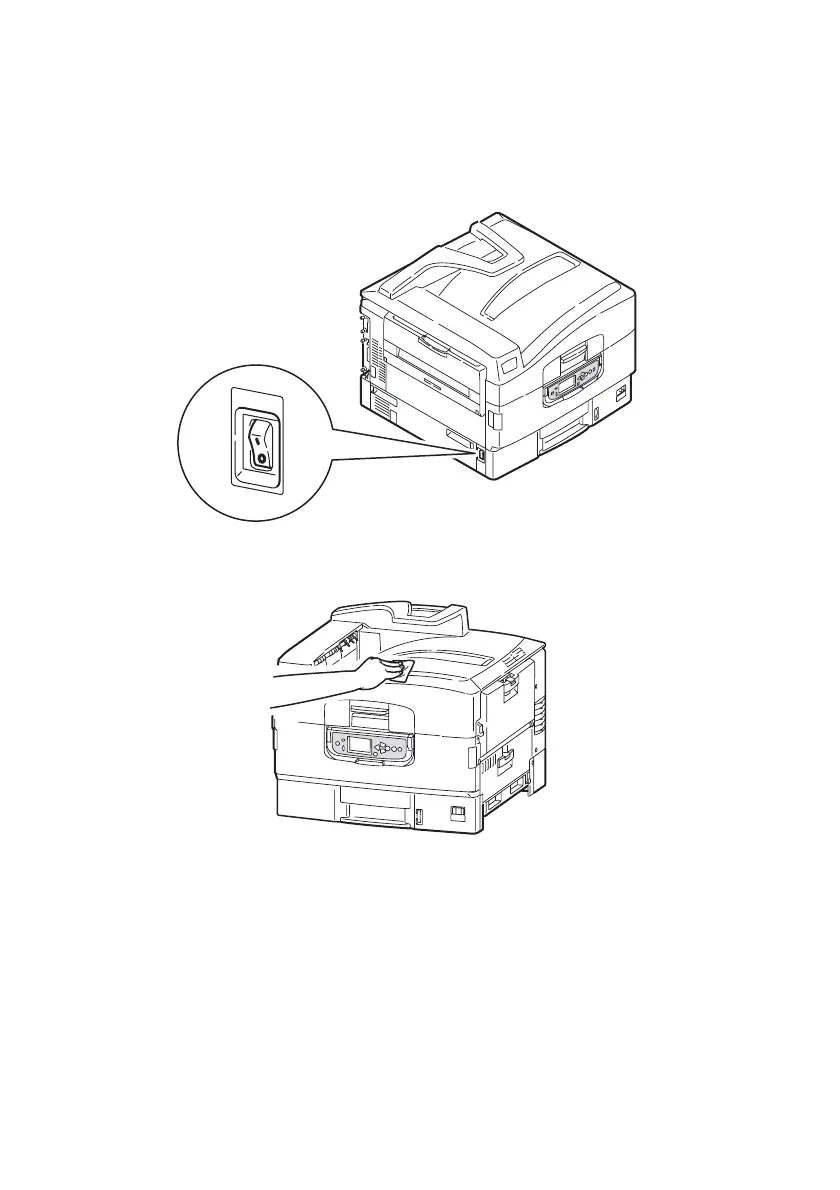
1. Follow the correct steps to turn the printer off depending on
whether a hard disk drive is installed.
2. Wipe the printer surface with a soft cloth moistened sparingly
with water or neutral detergent.
3. Use a soft dry cloth to dry the printer surface.








 To Next Page