pro920WT User’s Guide> 108
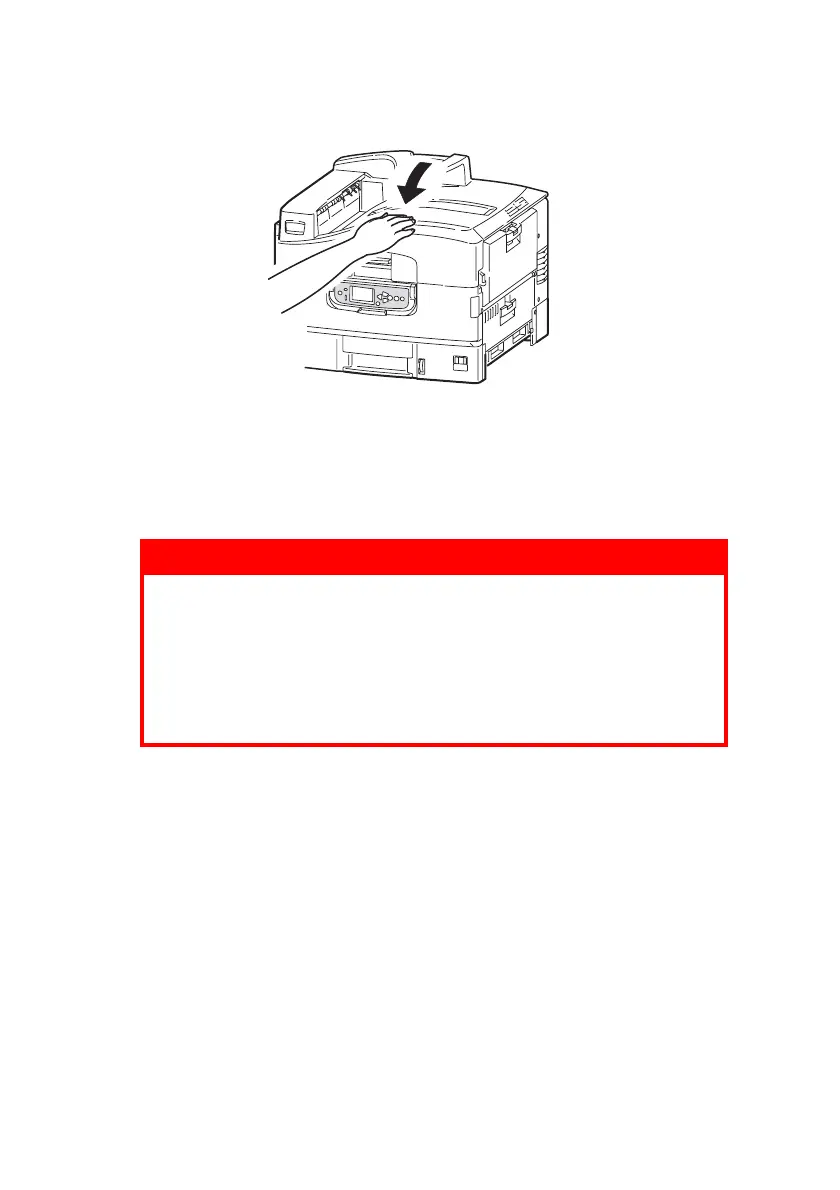
6. Close the top cover.
F
USER
REPLACEMENT
The fuser is located inside the printer just behind the four image
drums. This unit requires replacement approximately every 50,000
pages.
WARNING!
If the printer has recently been powered on, some fuser
components will be very hot. Handle the fuser with
extreme care, holding it only by its handle, which will
only be mildly warm to the touch. A warning label clearly
indicates the area. If in doubt, switch the printer off and
wait at least 10 minutes for the fuser to cool before
opening the printer cover.








 To Next Page