pro920WT User’s Guide> 66
C
OVER
PRINT
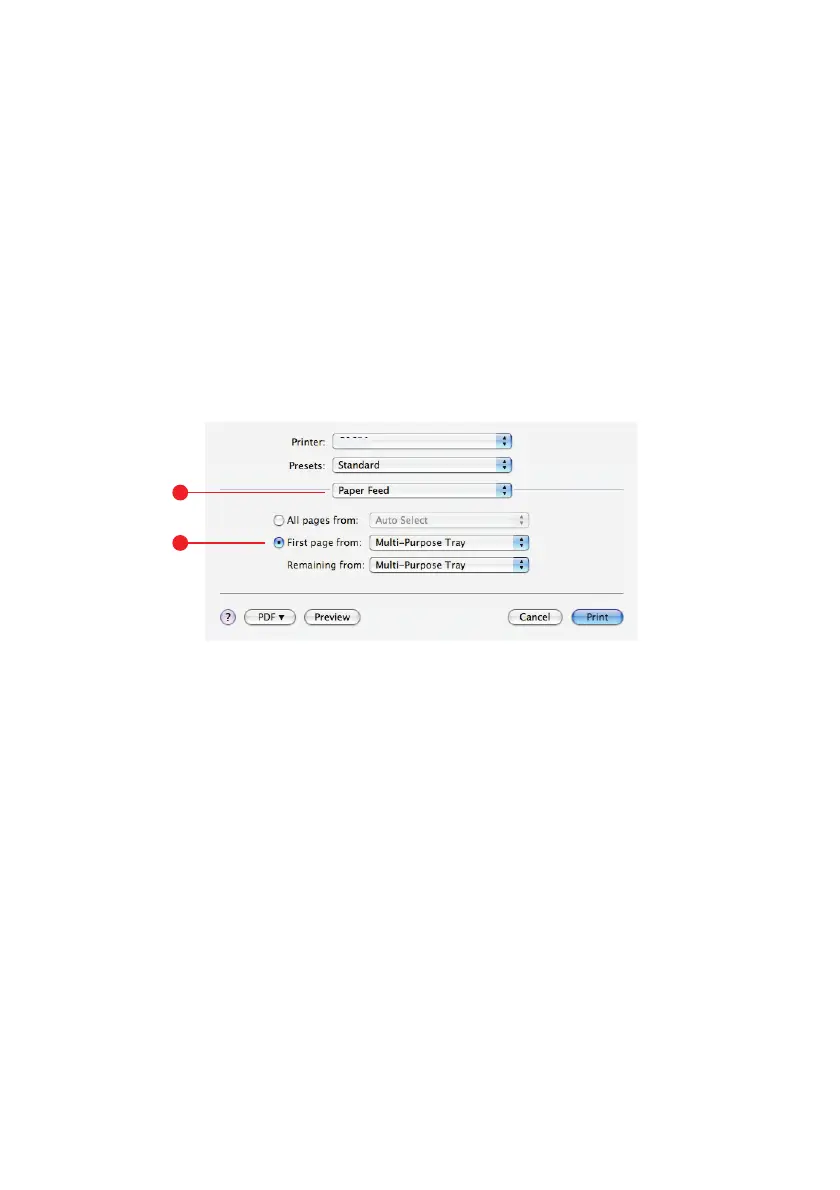
Cover print is when the first page (cover) of a print job is fed from
one paper tray, and the remaining pages of the print job are fed from
another paper tray.
This feature is not available in the Windows PostScript Drivers.
Do not confuse Cover Print with “Cover Page”. A Cover Page is an
identification sheet inserted between the print jobs of a network
printer. See “Separating queued print jobs” on page 64.
M
AC
OS X
1. Select Paper Feed (1).
2. Select the trays or paper types you wish to use for the first
page and remaining pages (2).
1
2








 To Next Page