pro920WT User’s Guide> 91
W
HEN
REPLACING
THE
IMAGE
DRUM
CARTRIDGE
ONLY
NOTE
The new image drum cartridge is not filled with toner, and it gets
filled with toner from the set toner cartridge. If the set toner
cartridge is near end of its life, the message indicating the toner
is getting low may be displayed soon after replacement.
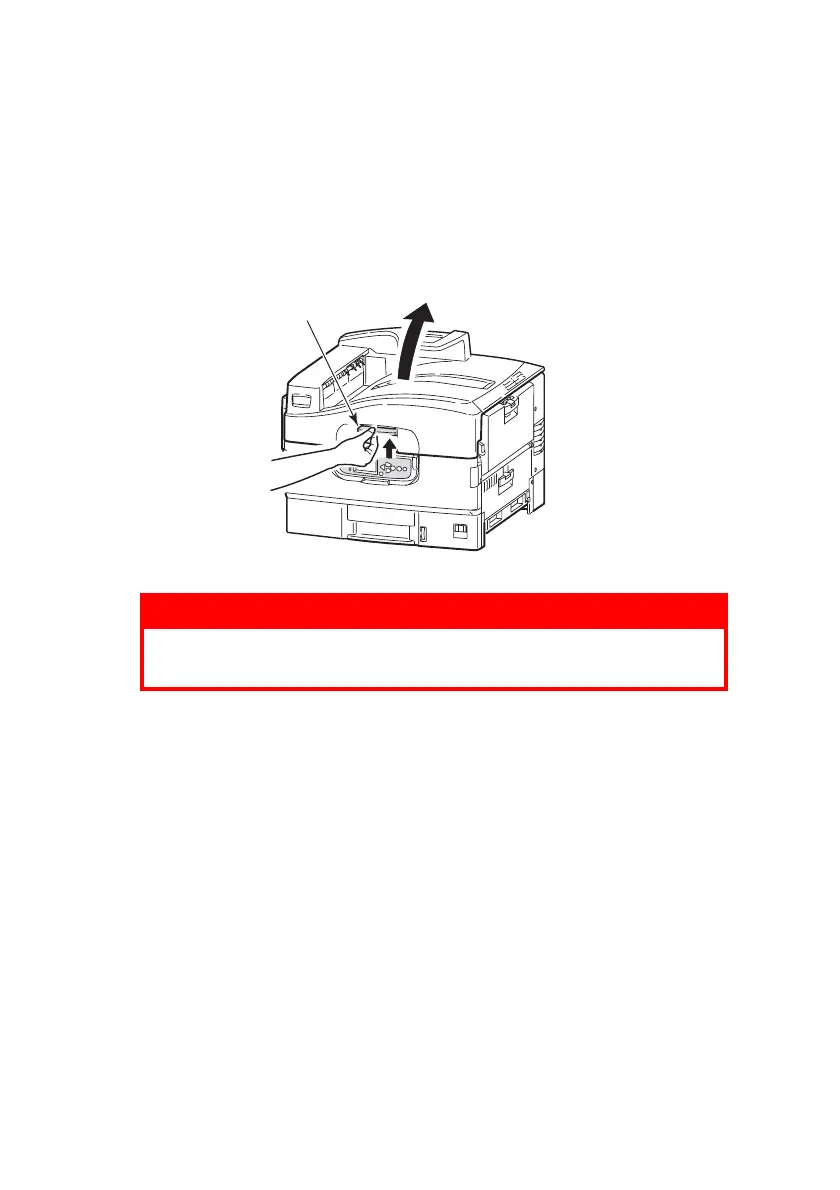
1. Squeeze the top cover handle (1) and open the top cover.
NOTE
Open the top cover fully while replacement. Otherwise the printer
may be damaged.
WARNING!
If the printer has been powered on, the fuser may be
hot. This area is clearly labelled. Do not touch.
1








 To Next Page