pro920WT User’s Guide> 111
Leave the fuser unit until it cools, and then put it into a bag
and seal it.
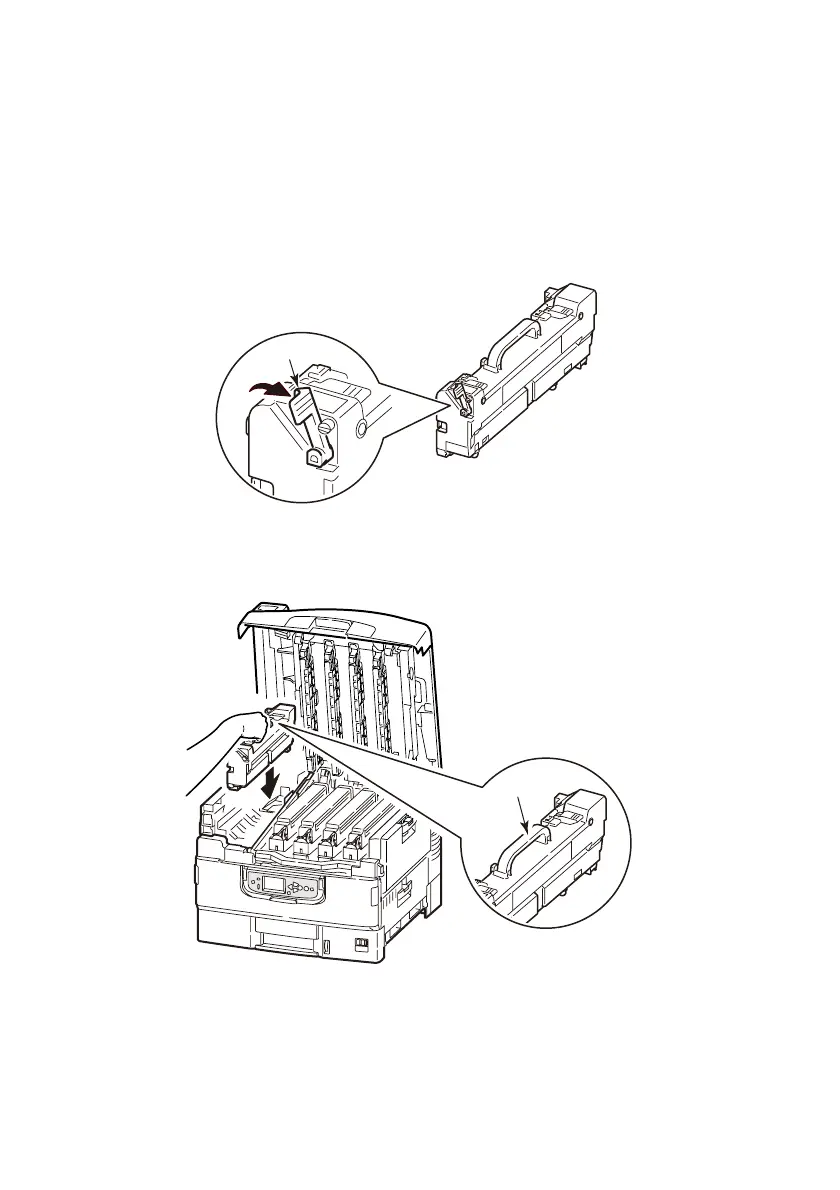
5. Take out the new fuser unit from the package, and place it on
a flat surface.
6. Pull the lock lever of the fuser unit (4) to the direction of the
arrow.
7. Holding the fuser unit by its handle (5), lower it straight into
the printer carefully.
4
5








 To Next Page