pro920WT User’s Guide> 137
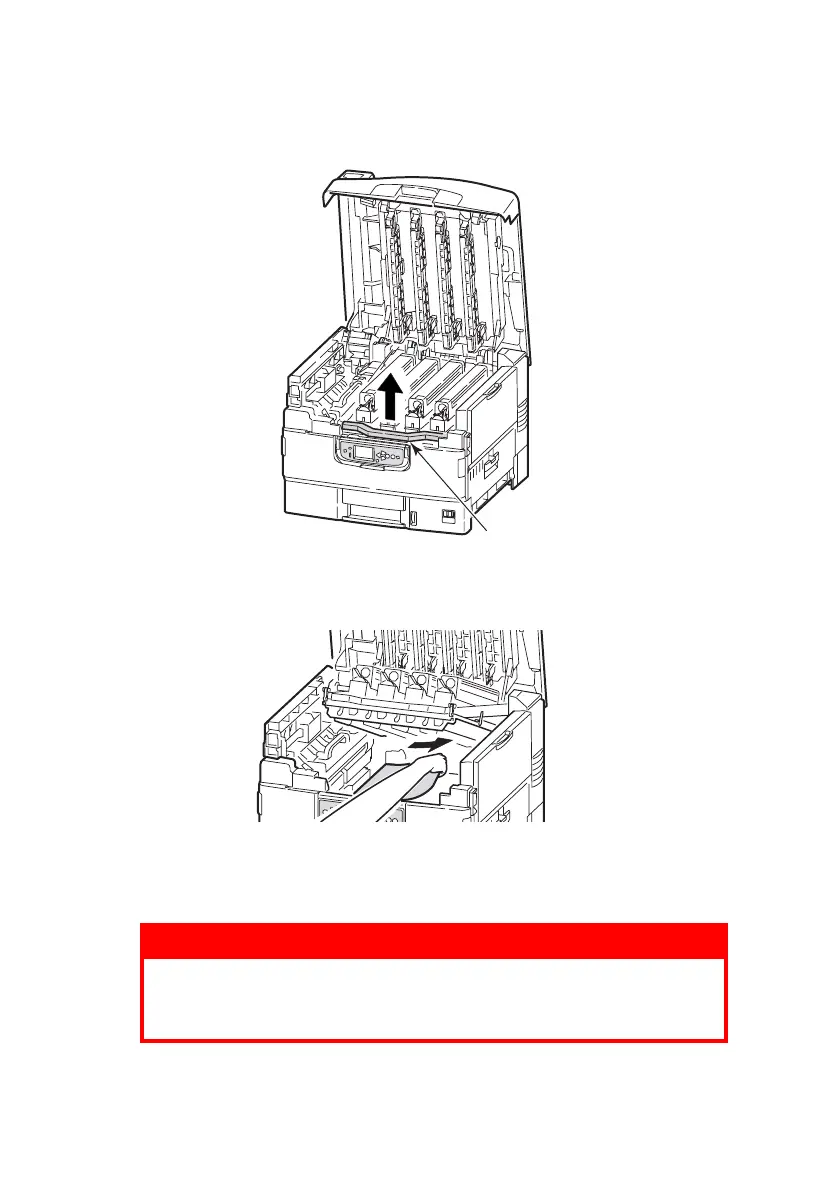
2. Squeeze the basket handle (2) and raise the drum basket.
3. Carefully remove any paper on the belt.
4. If paper is jammed in the fuser unit, push the lock lever (3)
in the direction shown to release the unit.
WARNING!
Be careful not to touch the fuser unit which may be hot
after printing. If the fuser unit is hot, wait until it cools
before attempting to remove any jammed paper.
2








 To Next Page