pro920WT User’s Guide> 85
NOTE
Open the top cover fully while replacement. Otherwise the printer
may be damaged.
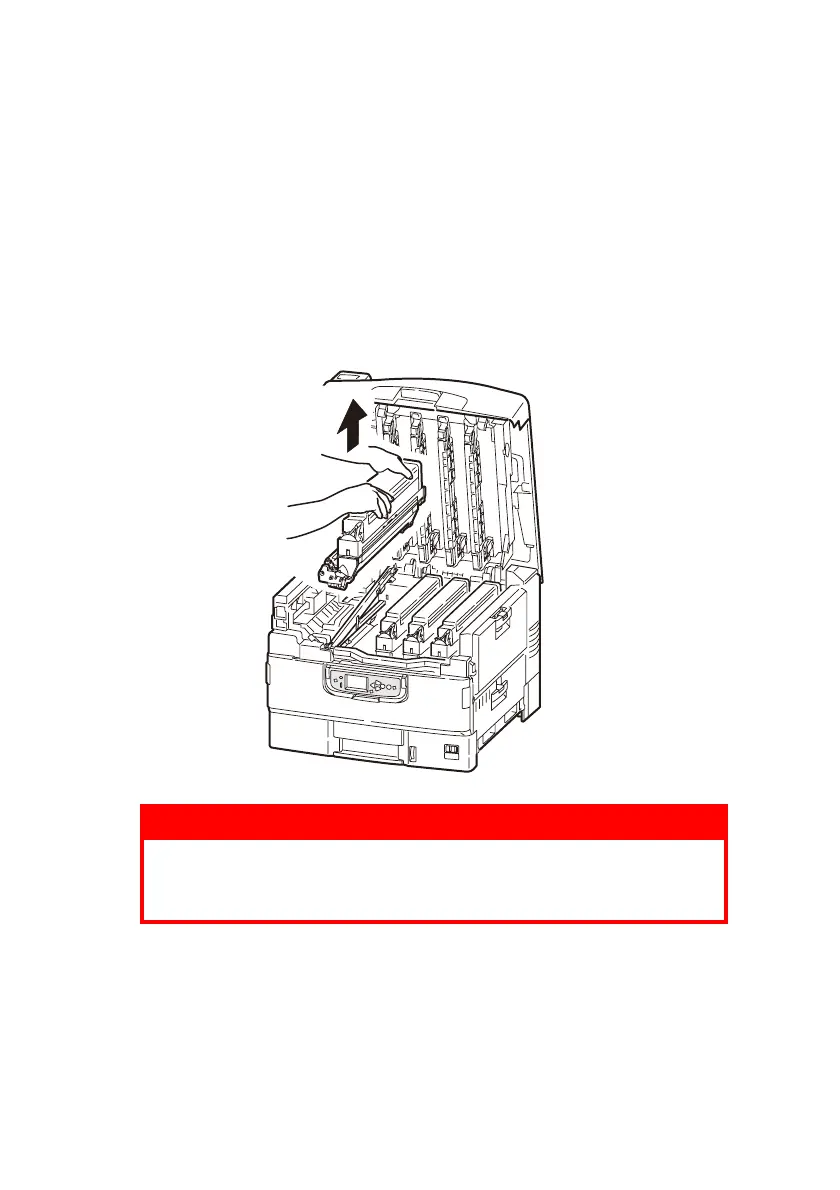
2. Check the color of the image drum cartridge to be replaced,
and lift it, complete with its toner cartridge, up and out of the
printer.
NOTE
- Avoid the cartridge bumping to the LED head.
- Do not turn the blue lock lever of the toner cartridge when
removing the image drum cartrdige.
Put the removed image drum cartridge and toner cartridge
into a bag and seal it to prevent the toner from scattering.
WARNING!
Do not throw toner cartridges or image drum cartridges
into a fire as you may receive burns from a dust
explosion.








 To Next Page