28 Android Application
If you purchased the complete package of the GeoSeeker, the Tablet PC is included and already
prepared with an activated application. In that case you can skip the first 2 sections of this chapter and
continue reading with section “Operating modes and functionality“ on page 29.
5.1 Download & Installation
If you want to reinstall the application after a factory reset or you want to install it to another Tablet PC
you have to download the application from “Google Play” first.
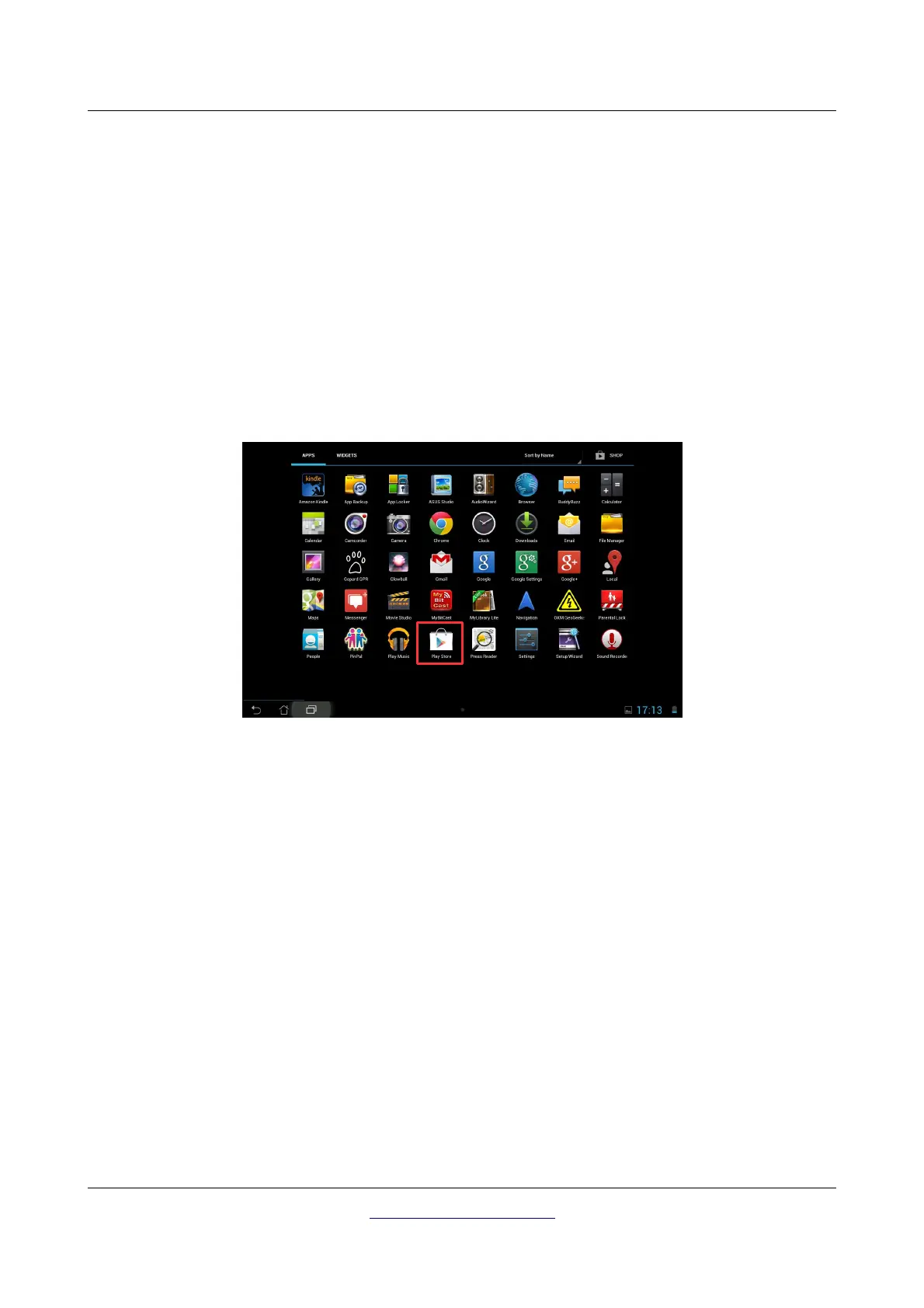
Find the “Play Store” application on the Tablet PC where you are going to install the GeoSeeker
application and tap on it. If you don't have any Google Account so far, you must create one to be able to
download the GeoSeeker application. Simply follow the instructions on your Tablet PC to download and
install the application.
After installation you have to activate both the Controller and the Power Box. Detailed information about
the activation process you can read in chapter “Activation” on page Fehler: Referenz nicht gefunden. In
case of any troubles please contact your local dealer for additional help!
OKM GmbH
www.okmmetaldetectors.com



 To Next Page