Android Application 35
5.2.3 View Measurement
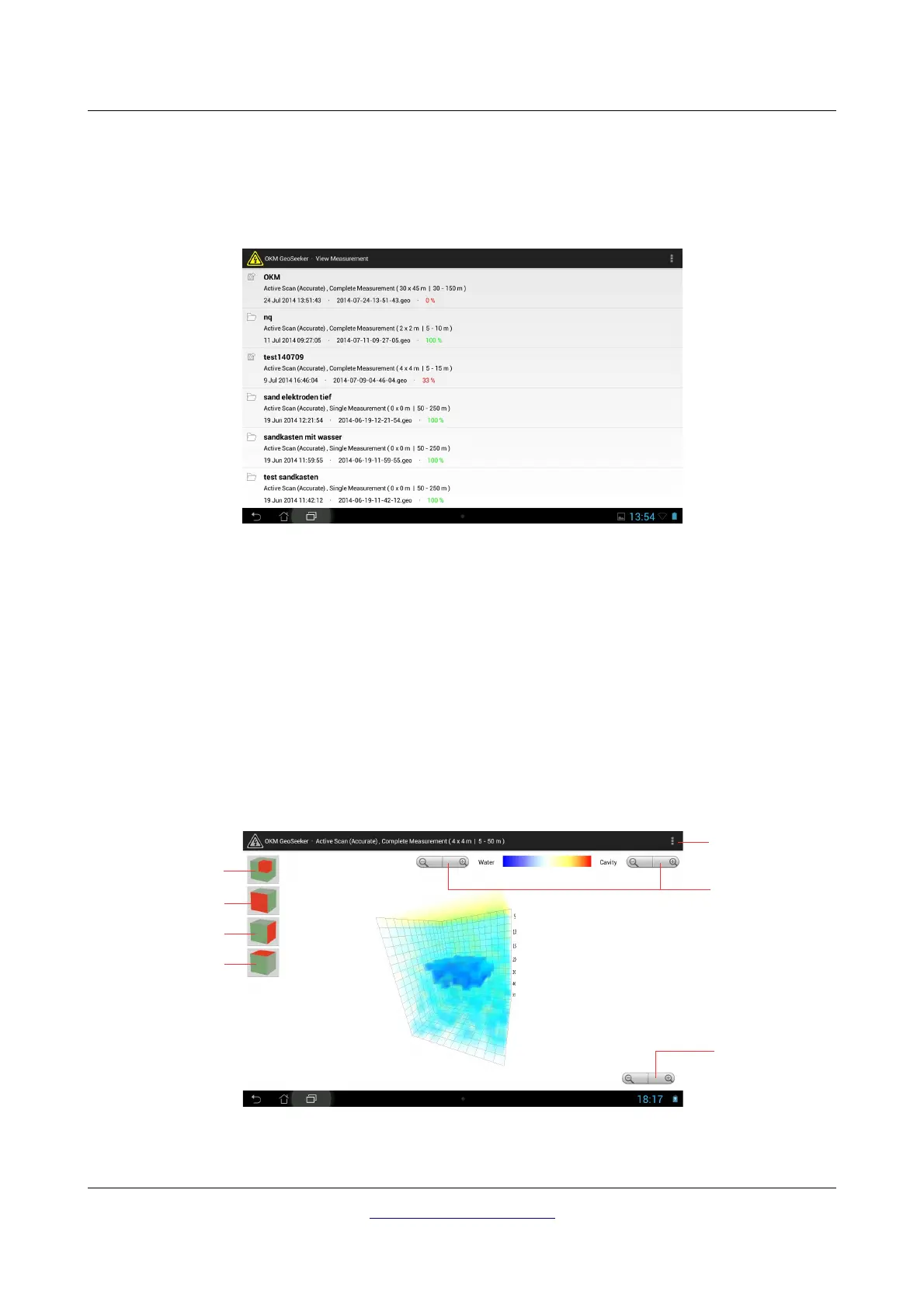
Select this option to see a list of all measurements (finished and unfinished). Now find your
measurement by looking for the previously entered project title.
After selecting a specific measurement you will see its graphical 3d representation. Opening the
measurement can take some time because some additional calculations are processed. After it has been
loaded you will see something like shown in figure 5.12.
If you tap a long time on one of those entries a context menu is opening where you can select one of the
following options:
• View
Select this action to view the 3d representation of the unfinished measurement.
• Delete
Select this action to delete the selected measurement.
OKM GmbH
www.okmmetaldetectors.com



 To Next Page