52 Conducting a measurement
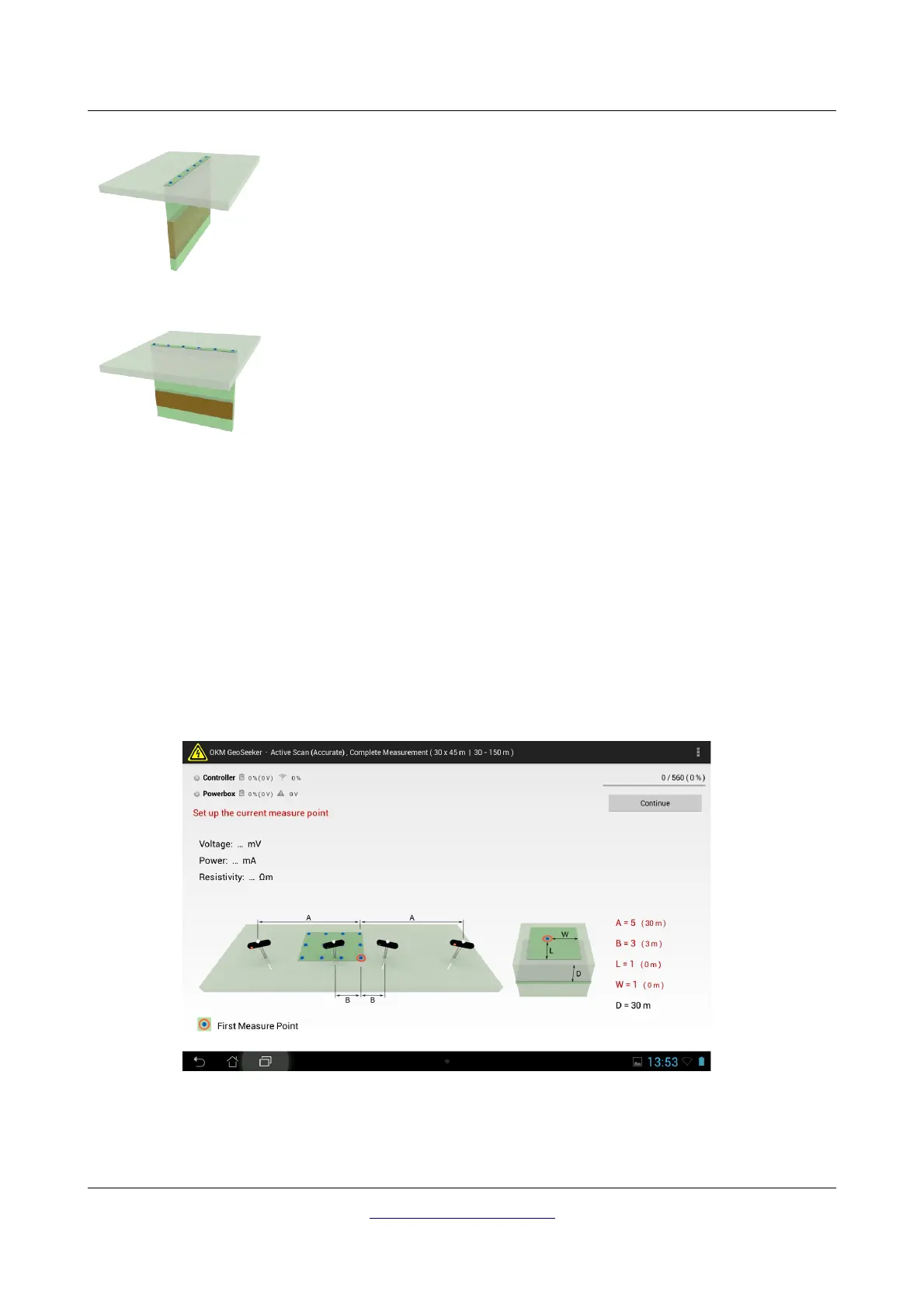
• Lengthwise Measurement
This option is used to measure a single line of scan points lengthwise.
Use this option if you would like to scan a cross section in lengthwise
direction.
• Crosswise Measurement
This option is used to measure a single line of scan points crosswise.
Use this option if you would like to scan a cross section in crosswise
direction.
The final amount of scan points (except for the single measurement profile) can be defined during the
next steps of the measurement creation. After selecting the operating mode “New Measurement” from
the GeoSeeker application you will select a scan mode, a scan profile, set up the starting and ending
depth, adjust your field dimensions (length and width) as well as the scan point distance (resolution).
Also read section “5.2.1 New Measurement” from chapter “5 Android Application“ on page 29 for more
details and figures concerning this operating mode.
After setting up your measurement your Tablet PC shows the initial setup of your electrodes. An example
is shown in figure 7.5.
You will now arrange all your equipment according to these instructions. For our example it will be as
follows:
OKM GmbH
www.okmmetaldetectors.com



 To Next Page