Preparing and maintaining the equipment 41
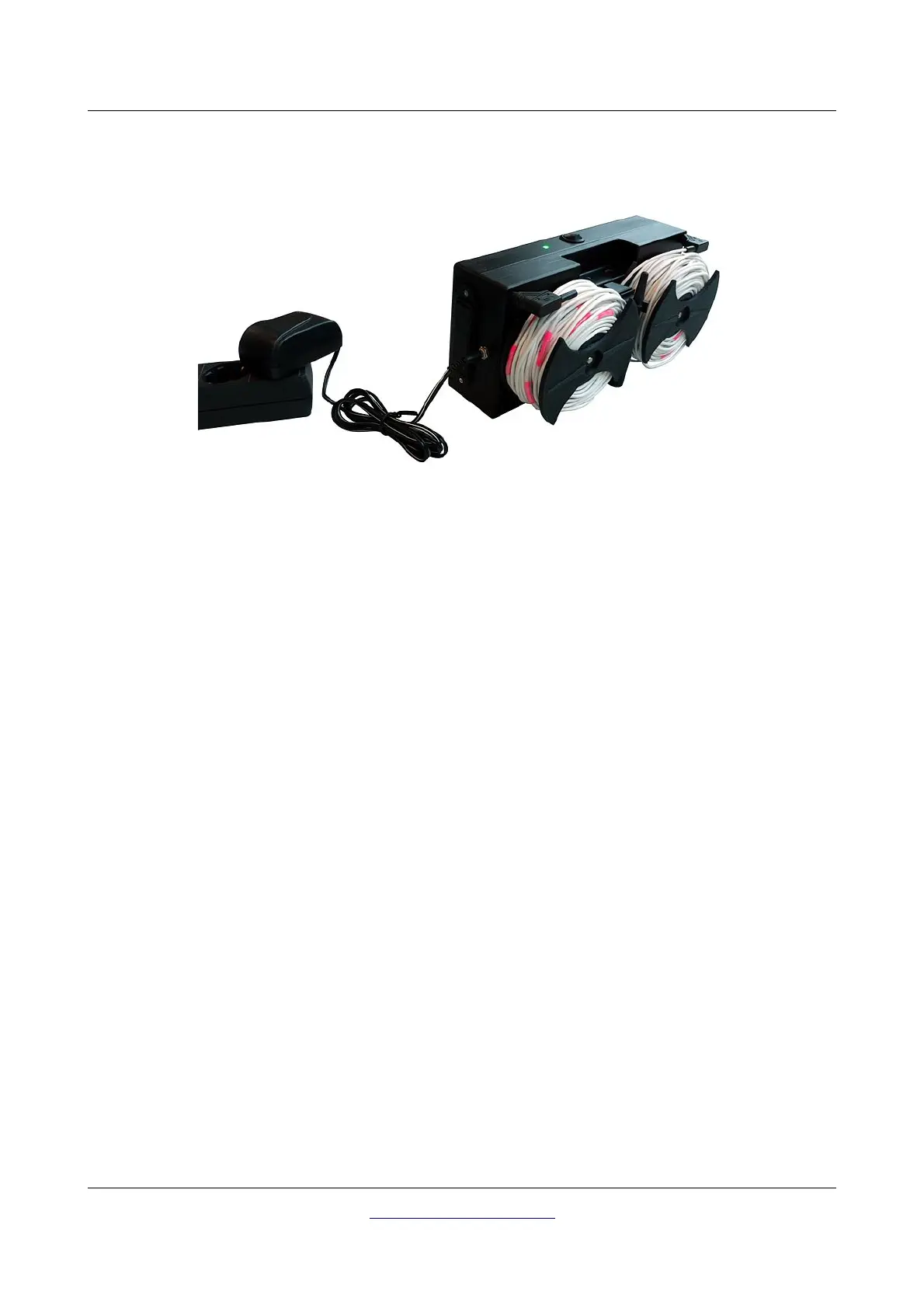
Connect the supplied charger with the Controller to recharge the batteries within the compartments as
shown in figure 6.2.
As long as the charger is connected to the Controller the charging process takes place no matter if the
Controller is powered on or off. But only if the Controller is powered on you will also see the charge
condition visually as follows:
• Power LED blinks red: Charging in progress
In case the Power LED is blinking red after more than 5 hours of charging the batteries are
defective and have to be replaced.
• Power LED blinks green: Charging finished OR No batteries in compartments
If the batteries are completely empty but the Power LED is blinking green after only a short time
(less than 1 hour) the batteries are exhausted and have to be replaced.
You may also use one way non-rechargeable NiCd or zinc carbon batteries as well as NiMh batteries
with less than 2000 mAh but this will result in much shorter operating times. Also keep in mind not to
connect the charger if non-chargeable batteries are placed into the compartments (danger of explosion).
6.1.2 Mounting the Tablet PC holder
If you like to mount the Tablet PC holder to the Controller just put it into place and fix the Tablet PC as
shown in figure 6.3 and described in section “4.4 Tablet Holder” on page 24.
OKM GmbH
www.okmmetaldetectors.com



 To Next Page