32 Android Application
• Lengthwise Measurement
• Crosswise Measurement
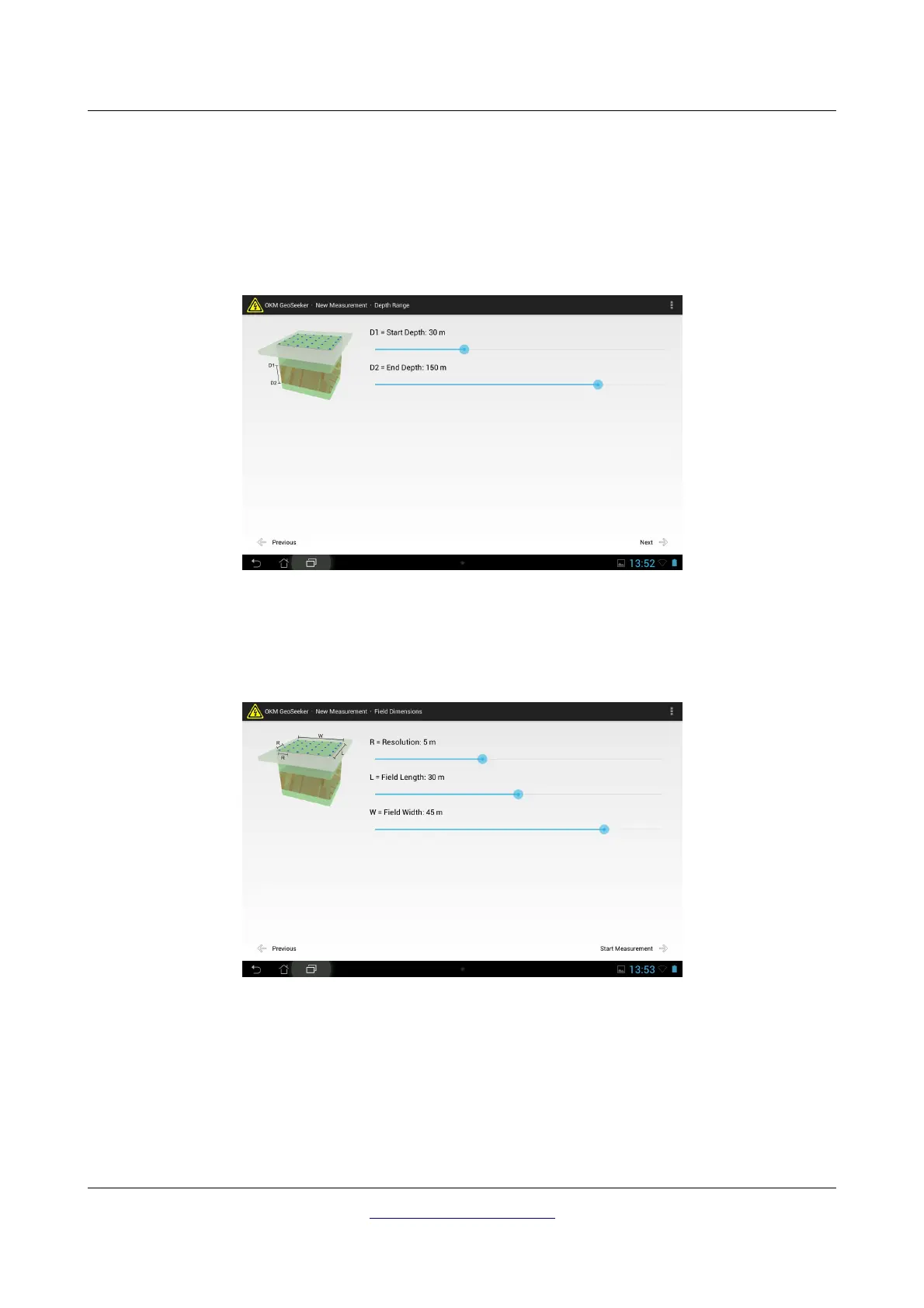
First tap on the scan profile you want to use and then tap onto “Next”. Now you have to select the depth
range (starting depth and ending depth) of your measurement. If you can limit your depth to a very
small range your measurement will be finished much faster than measuring all available depth steps.
After you have entered your preferred depth range information tap on “Next”. The last step of setting up
a new measurement is to adjust the field dimensions (field length and width) as well as the distance
between the scan points (resolution).
This step is necessary for all active scan modes as well as the passive scan mode. First you select your
resolution, which is defined as the distance between your scan points. Afterwards you adjust the length
and width of you scan field.
This information is also very important to physically mark your scan points outside. Detailed information
concerning the preparation of your scan field you can read in chapter “7 Conducting a measurement“ on
page 47.
OKM GmbH
www.okmmetaldetectors.com



 To Next Page