d-Color MF552/452/362/282/222 14-13
14.2 Optional settings before printing
14
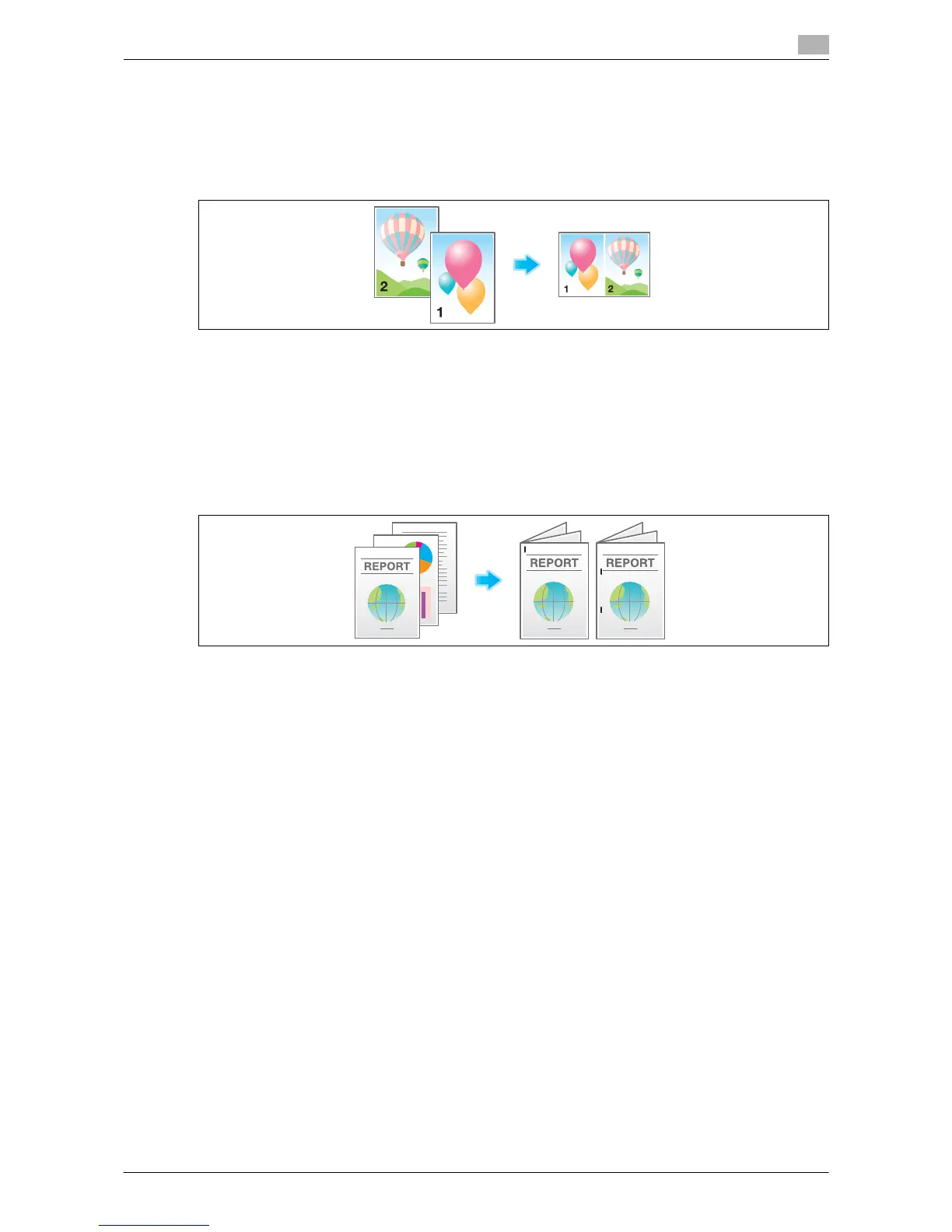
Printing multiple pages on the same side of a single sheet ([Combine])
You can save sheets by reducing and copying multiple pages (such as 2, 4 or 8 pages) on the same side of
a single sheet.
You can select the page layout when printing four or eight pages onto the same side of one sheet.
You can save more sheets by combination of the 2-Sided copy function.
For details, refer to the following page.
- When you are using a User Box, refer to page 15-25.
- When you are using a Secure Print User Box, refer to page 15-115.
- When you are using an Annotation User Box, refer to page 15-163.
Stapled sheets ([Staple])
Each set of sheets can be stapled (at a corner or at two positions) and output automatically. This function is
useful for preparing a project proposal or other booklet materials.
For details, refer to the following page.
- When you are using a User Box, refer to page 15-27.
- When you are using a User Box (Combine), refer to page 15-70.
- When you are using a Secure Print User Box, refer to page 15-117.
- When you are using an Annotation User Box, refer to page 15-165.
- When you are using an External Memory User Box, refer to page 15-233.
Tips
- The Finisher is required to use the Staple function.



 To Next Page
 Loading...






