3
3-19
Basic Operation
Send as E-mail
Sends a scanned original image as an E-mail attachment.
NOTE:
• You must have a network environment in which this machine can connect to a mail server. It is recommended
that the machine be used in an environment in which it can connect to the mail server at any time over a LAN.
• Access the Embedded Web Server RX beforehand and specify the settings required for sending e-mail. For details,
refer to the Embedded Web Server RX on page 2-29.
• Refer to Embedded Web Server RX on 2-29 for details on entering characters.
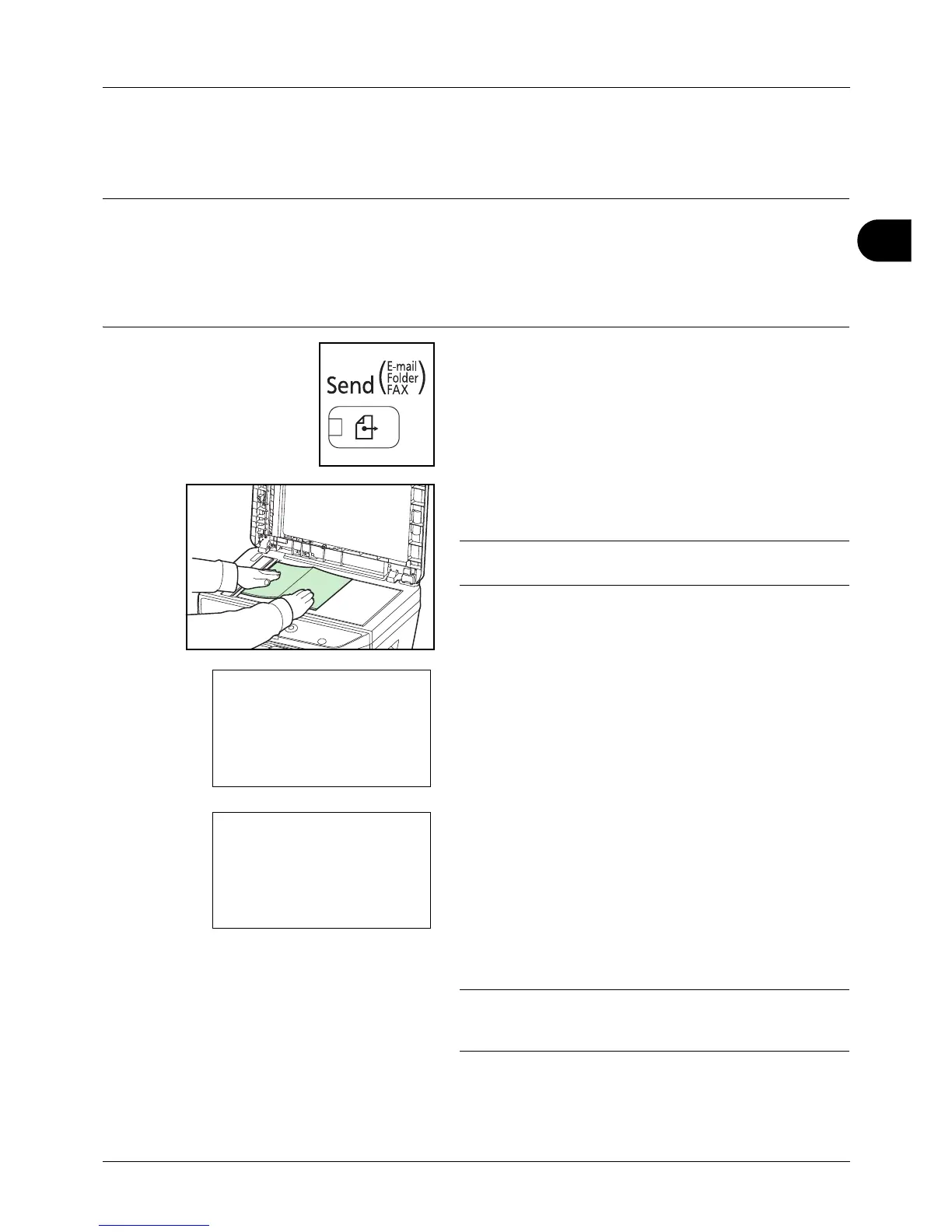
1 Press the Send key.
Displays the screen for sending.
2 Place the originals on the platen or in the document
processor.
NOTE: For loading instructions, refer to Loading
Originals on page 2-59.
3 Press the or key to select [E-mail].
4 Press the OK key. Address Entry appears.
5 Enter the destination e-mail address.
NOTE: Destination can be specified using the Address
Book or the One-touch keys. Refer to Specifying
Destination on page 3-25.








 To Next Page