2
Preparation before Use
2-31
Changing Security Settings
This section explains how to change the security settings.
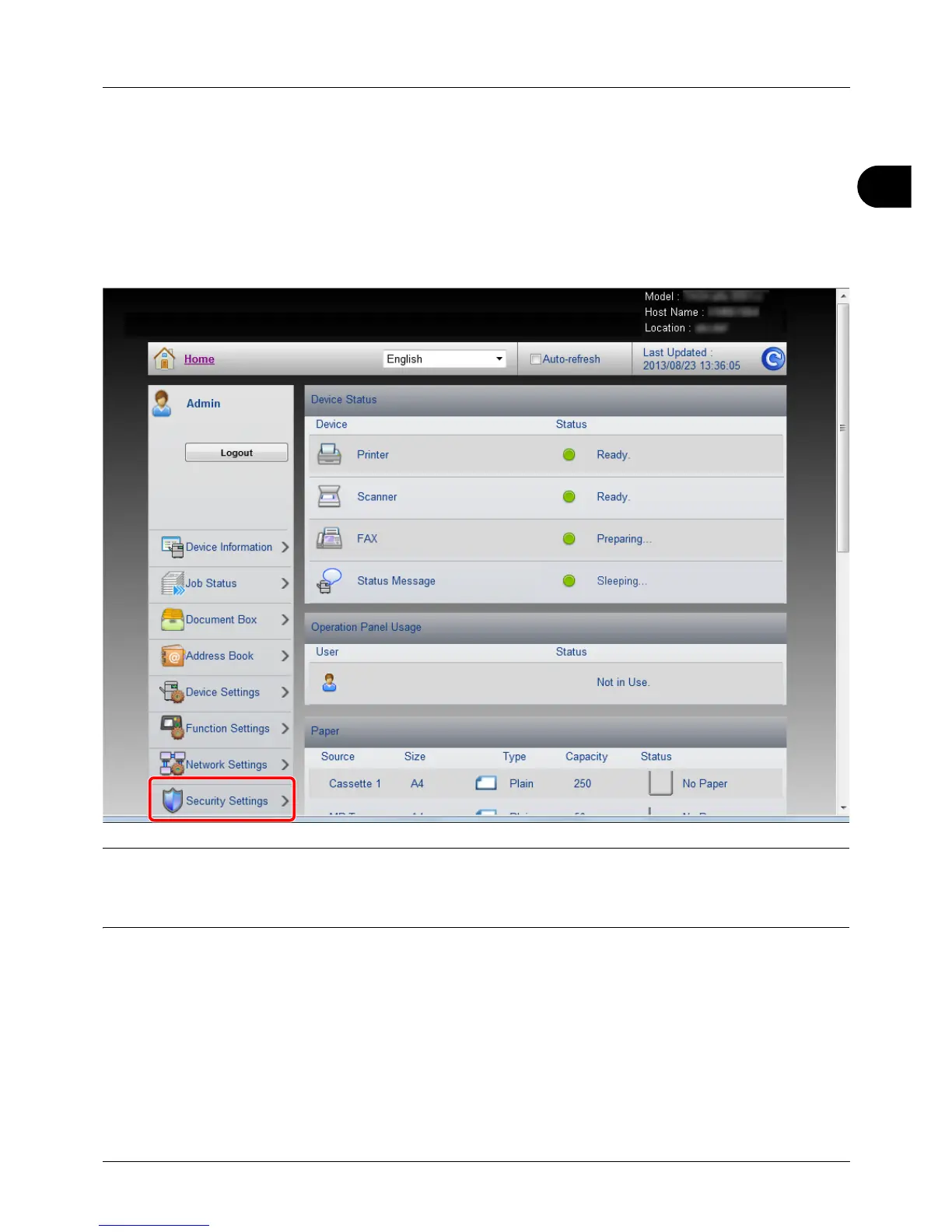
1 Access Embedded Web Server RX by referring to Accessing Embedded Web Server RX on 2-30.
2 From the [Security Settings] menu, select the setting you want to configure. The configurable settings are [Device
Security], [Send Security], [Network Security], and [Certificates].
NOTE: The configurable settings within [Device Security], [Send Security], and [Network Security] can also be
configured from the machine's System Menu.
For details, see Default Setting (System Menu) on page 8-1. For details on settings related to certificates, refer to the
Embedded Web Server RX User Guide.








 To Next Page