11-36
Management
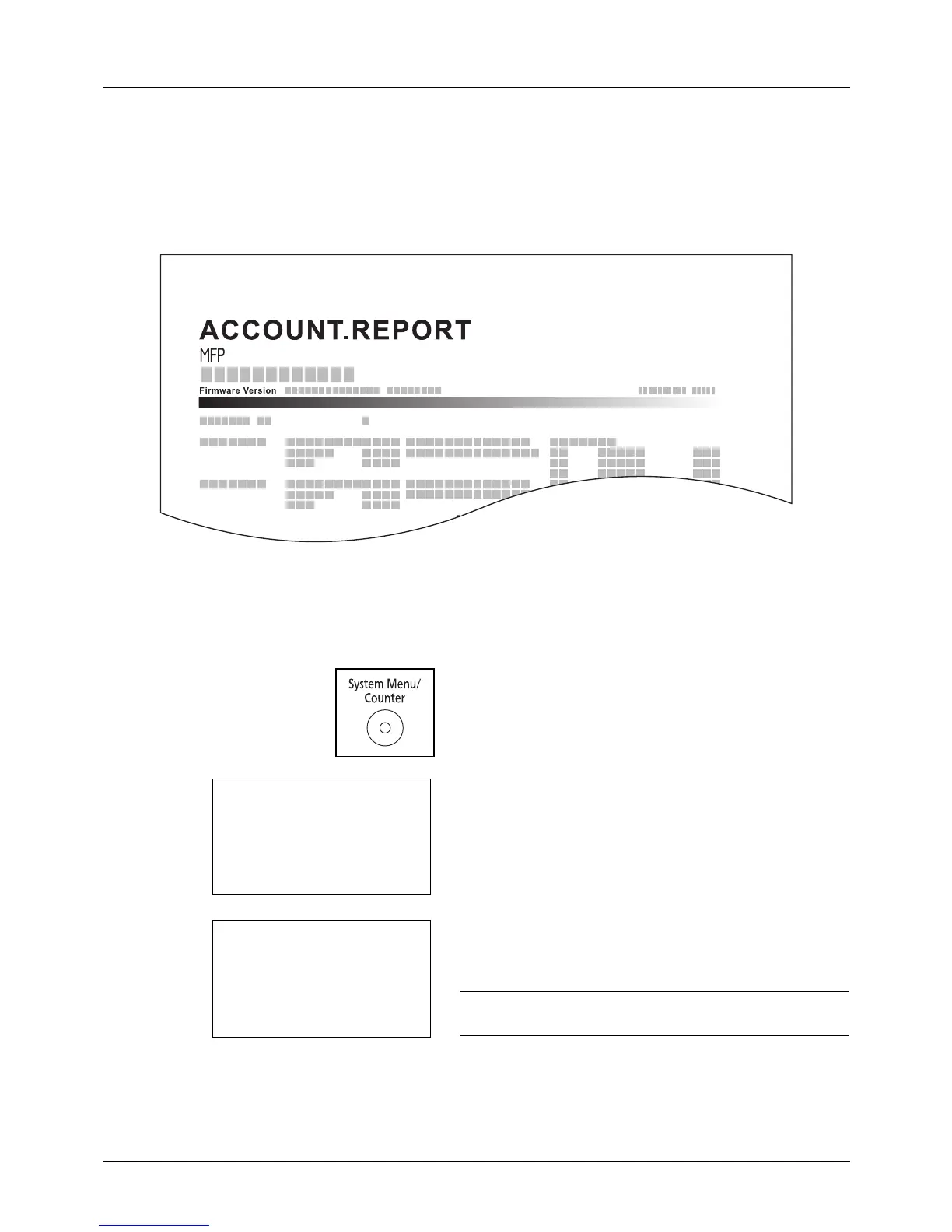
Printing an Accounting Report
Total pages counted at all relevant accounts can be printed as an accounting report.
Reports have different formats depending on how the count of copiers and printers is administered.
When Split is selected for Managing the Copier/Printer Count
For the count by paper size, the report will be printed by size.
Use the procedure below to print a job accounting report.
1 Press the System Menu/Counter key on the main unit
ope
ration panel.
2 Press the or key to select [User/Job Account].
A login screen will appear. Then, enter the user ID and
password with administrator privileges to log in, and
press [Login] (the Right Select key).
NOTE: Refer to Character Entry Method on Appendix-5 for
details on entering characters.
3 The User/Job Account menu appears.








 To Next Page